Specs repeat across different options
Different options repeat a spec that belongs to only one of them. Customers cannot rely on their selection to describe the goods they will receive, even though the main product description looks reasonable.
Data transformation & PIM
Choosing a size or finish shows another option's specs or photo. Customers can't trust what they see, and local edits vanish on the next export. We trace how values pass down and publish, so each option keeps its approved details.
Discuss this problemWe compare the affected options with their parent product and sibling options. Some details are truly shared, while dimensions, finishes or images may need to differ by option. Then we follow one approved correction from your catalog, through each step that changes it, to the option a customer selects in your store. That shows where the wrong value wins or an image attaches to the wrong option, before anyone changes how the page looks. Your catalog owners approve the values that differ, and a later generated export confirms that the repaired source keeps them in place.
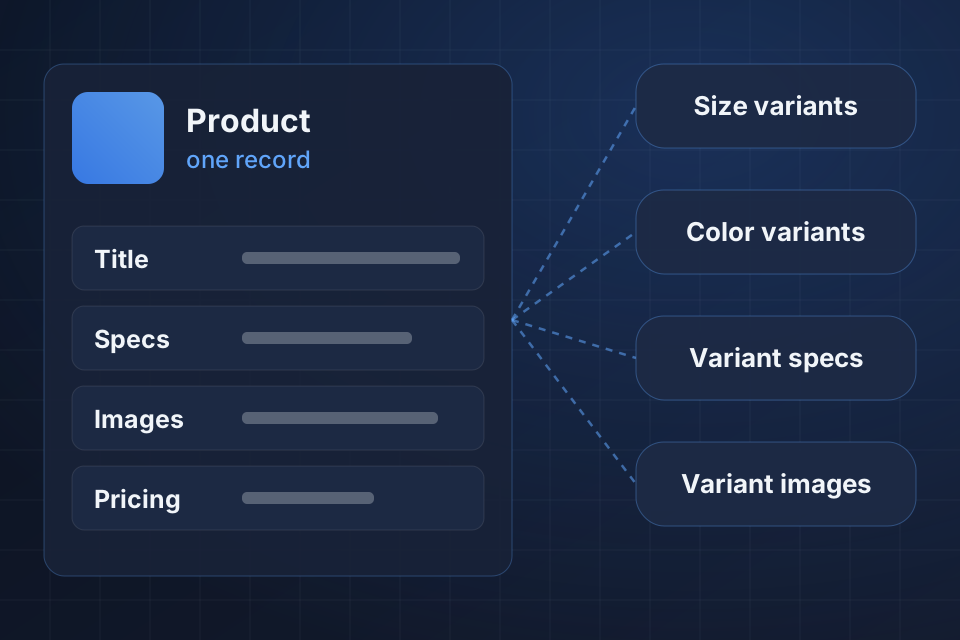
Different options repeat a spec that belongs to only one of them. Customers cannot rely on their selection to describe the goods they will receive, even though the main product description looks reasonable.
Selecting a finish or size shows a photo of another option. That mismatch may hide the very difference a buyer needs to compare before choosing the product.
A corrected catalog value disappears after publishing because the parent product's value overrides it. Repeated edits in your store seem to do nothing, while the unchanged export keeps sending out the wrong spec or image link.
We inspect parent and option records to sort details into shared and option-specific. Your approved catalog evidence shows which differences are intentional before anyone changes an inheritance rule, the rule that passes parent values down to options.
We follow an option's own value, called an override, through each conversion step and into the place it publishes. Each step shows whether the value survives, gets replaced by a parent default or lands in the wrong field.
Next we compare image references with option IDs and with how selection behaves on the page. File names alone may be ambiguous, so we check directly how the approved image relates to the selected option.
We set up the inheritance your platform supports, one detail at a time, and keep the option differences you approved. Shared information stays easy to maintain at the right level, so each option does not need a copy of every parent value.
Where a valid override gets thrown away, we repair which value takes priority when publishing. The fix goes in the source or conversion step you maintain, so the next export does not undo a store-only edit.
We match supported image links to the intended option and test what happens when a customer selects it. Ambiguous supplier images still go through catalog review before another photo gets assigned to an option.
No. Shared details can stay on the parent product where they truly apply. We identify the values that vary and the inheritance your platform supports. Copying every field can create another upkeep problem without giving you a reliable source for each option.
Only with trustworthy option IDs and approved matching rules. Ambiguous file names or mixed supplier images need review. We test what shows for the selected option before treating a mapping as correct, especially where the image shows a meaningful product difference.
It may not be, so we trace the original catalog and export path first. A store edit can disappear when an earlier source republishes the old value. The fix you maintain belongs where the wrong inheritance, conversion or image link actually starts, followed by a fresh publishing check.
Name your catalog and store tools. Share one public product option and a source excerpt with private details removed, showing its correct spec or image link, so we can trace the value that changed.
Explore Product Information Management More problems in Data transformation & PIM
Tell us about your project and we'll get back to you within 24 hours.