JobNimbus: Setup & Workflow Configuration

The flexibility that makes JobNimbus useful also makes it easy to set up badly. Your workflow should decide the design.

Fit the System to You

JobNimbus can be set up many ways, and a generic setup rarely fits how your company operates. Your team ends up working around the software.

We configure JobNimbus around your actual workflow: lead intake, estimating, scheduling, production and billing. Custom fields and statuses match how your team thinks about jobs, so the system follows the work.
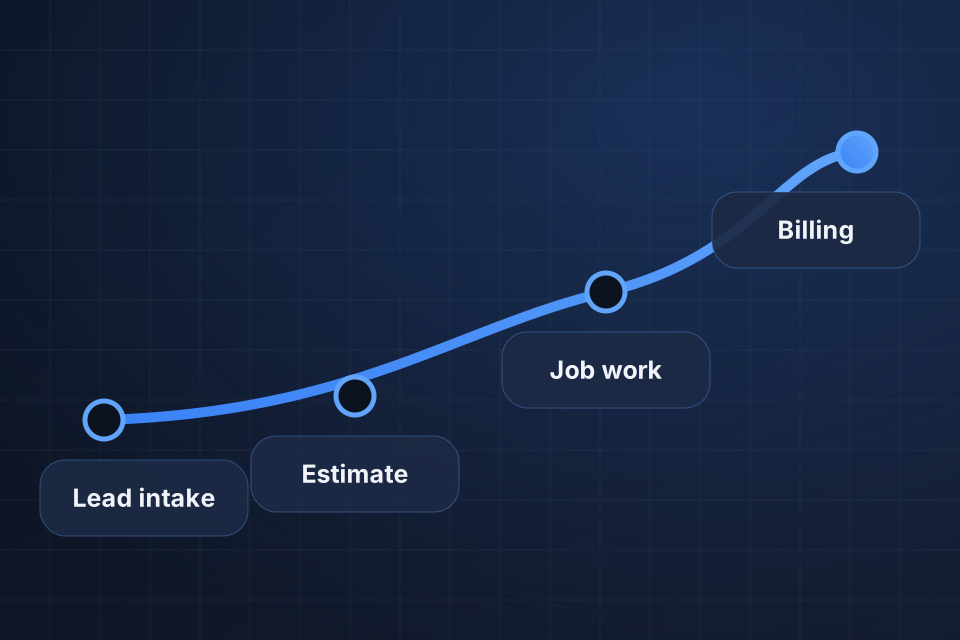
Diagram of a JobNimbus workflow route from lead intake through estimate and job work to billing.

What We Configure

Job statuses and workflows that mirror your real process

Custom fields built around your service lines

Automations for status changes, assignments and notifications

User roles and permissions for office and field teams

How We Configure JobNimbus

1

Audit the Setup

We look at how the system is set up now, how your team really uses it and where the friction sits.

2

Define Each Path

Each service line, such as roofing, siding, gutters or insurance claims, gets its own route from lead intake to billing.

3

Rebuild the Core

Statuses, custom fields, required fields and user roles come first, followed by automations for assignments and notifications.

4

Move the Data

If you’re coming from another CRM or spreadsheets, we clean up and migrate contacts, jobs, notes and documents.

Frequently Asked Questions

Yes. Most cleanup projects start with an audit of your setup, how your team actually uses it and where the friction is. Then we rebuild statuses, fields and automations to match the real workflow.

A focused JobNimbus setup typically takes 3 to 6 weeks, depending on how many service lines you run and how much integration is involved. We phase the work so you see results quickly.

Yes. We migrate contacts, jobs, notes and documents from other CRMs or spreadsheets. Historical data gets cleaned up along the way, so the new system starts on solid ground.

JobNimbus supports multiple workflows. We configure them separately for service lines like roofing, siding, gutters and insurance claims, so each path has the right statuses and required fields.

Ready to Get Started?

Tell us about your project and we'll get back to you within 24 hours.