Double entry between JobNimbus and QuickBooks is where numbers stop matching. Connecting the two removes that step.
Your estimators work in EagleView or Beacon Build Zone, your bookkeeper works in QuickBooks, and supplier portals and payment processors sit off to the side. Someone ends up entering the same job details more than once.
We build and maintain the integrations between JobNimbus and the tools your team already uses. Measurements, invoices and payments then flow between systems, so your team spends less time retyping.
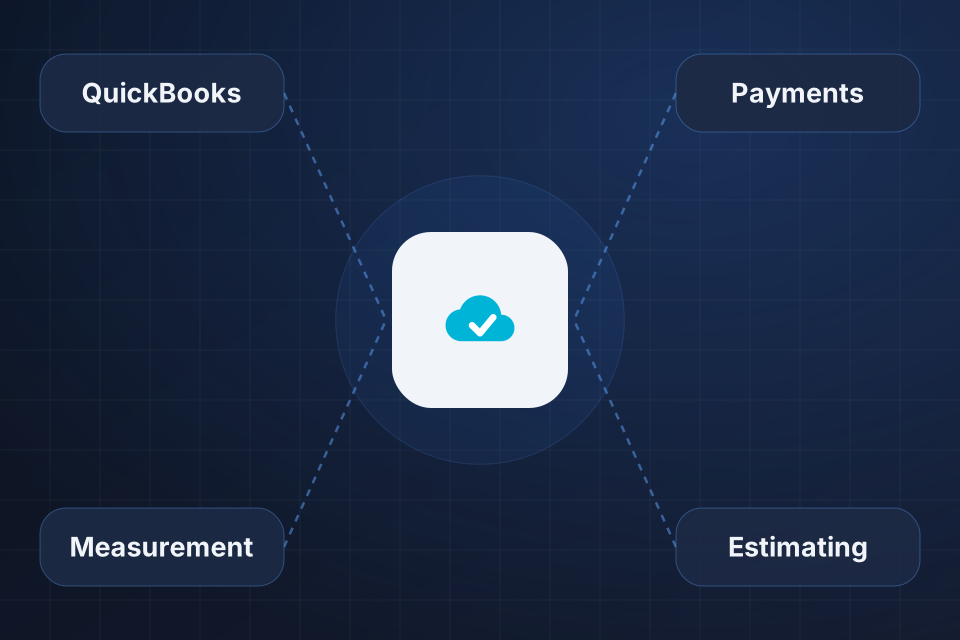
QuickBooks integration for invoices, payments and job costing
Measurement and estimating connections for EagleView, Beacon and HOVER
Payment processor setup for invoicing and collections
Custom integrations through Zapier, Make or the JobNimbus API
We find where your team enters the same data twice across JobNimbus, accounting, estimating and supplier systems.
Native integrations come first. Zapier or Make cover simpler gaps. Complex ones use the JobNimbus API, which lets custom software connect directly.
The QuickBooks sync gets configured around your accounting process, and we work through the edge cases that come up.
Measurement reports get pulled directly into jobs, and we build the estimating workflow around them.
The native integration syncs customers, invoices and payments between JobNimbus and QuickBooks. We configure it to match your accounting process and troubleshoot the edge cases that come up.
Yes. Measurement tool integrations let estimators pull reports directly into jobs, which speeds up proposals and reduces errors. We set up the connections and the workflow around them.
We build it another way. Tools like Zapier or Make handle simpler needs, and the JobNimbus API handles more complex ones. Most reasonable integrations are buildable with the right approach.
Yes, through middleware or a custom integration, depending on the system. We scope the work around your specific accounting tool and volume.
Tell us about your project and we'll get back to you within 24 hours.