Shared documents depend on one account
Staff can view a shared document but can't keep it up once the owner's access changes. Existing sharing rights do not necessarily give the ownership needed to keep it usable afterward.
Workspace & email
Someone leaving owns shared documents or the connection behind a workflow. Others can see the work but may be unable to maintain it. We list what depends on them, arrange supported ownership changes and test the work before access ends.
Discuss this problemWe review the files in scope and the forms, scripts or linked tools that rely on the person's account. Owning a file is different from having shared access to it, and transfer limits depend on the item and your organization. Eligible items move through the supported controls. Connections may need a fresh sign-in under an approved business account that someone maintains. Your admin reviews open items and the timing of the departure. A practical test then checks the business work that relies on these items, not merely whether someone else can open the visible folder.
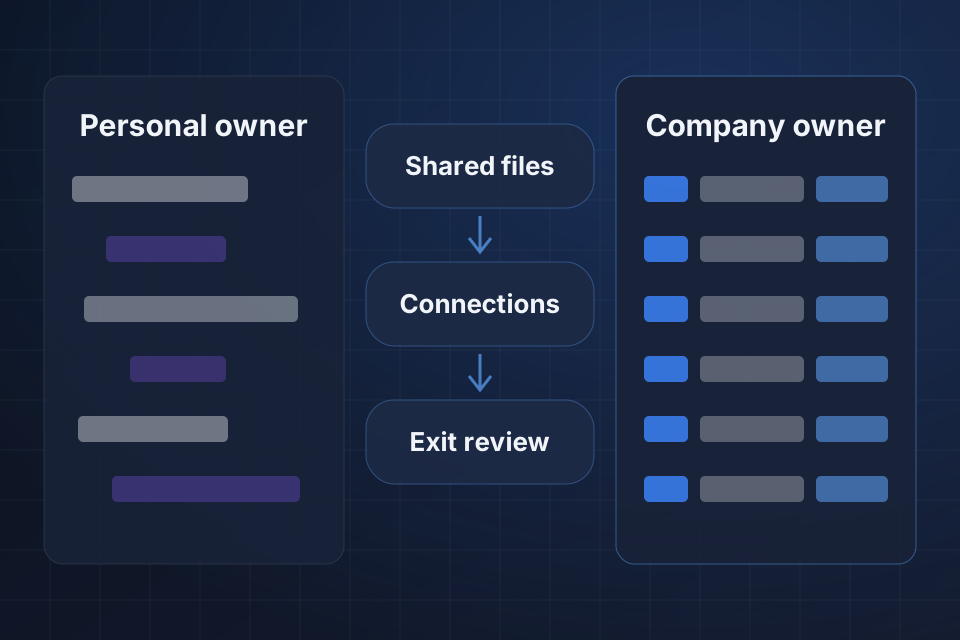
Staff can view a shared document but can't keep it up once the owner's access changes. Existing sharing rights do not necessarily give the ownership needed to keep it usable afterward.
A business workflow signs in through the leaving person's account. Its connection can stop working even while colleagues keep access to the documents or app screens tied to that process.
The handover lists folders but misses linked forms, scripts and connected tools. These hidden links show up only when a routine task tries to use the former employee's file or connection.
We list what the person owns and the work that relies on it. Forms, scripts and automation links get traced along with files, so a folder list does not turn into a partial exit checklist.
We check the supported ways to transfer or preserve each item. Organization boundaries and account limits may prevent a direct move. That calls for an approved alternative, not an assumed change of ownership that works for everything.
We find the connected tools that need a new connection, plus the permissions it needs. A new file owner does not automatically become the signed-in identity used by every workflow tied to that file.
We transfer eligible ownership or storage duties through supported routes and keep the access you reviewed. Restricted items get a written plan to preserve them and an admin decision before the account changes.
Where supported, we replace at-risk connections using an approved business identity that someone maintains. We test the required permissions with sample tasks. We do not keep an employee's access alive through shared logins.
We rehearse the work that relies on these items and record anything unresolved before the departure is approved. The checklist separates file access we verified from workflows we tested, so your admin can weigh the remaining risk.
Not necessarily, because transfer options depend on the account, the item and the organization boundary. We check those limits and find supported alternatives for items that can't move directly. The exit plan should state clearly how items are kept and reached, and not claim that every owned item was transferred.
No. We look at supported company ownership and maintained connection methods. Access should stay accountable to the approved identity and permissions. Sharing an employee's login does not replace testing the business item and its connection under a supported new setup.
No. Review what depends on the account before access is removed. Your admin approves the timing using transfer and replacement evidence, including restricted items. Closing the account first can make a preventable connection or ownership problem harder to diagnose and recover from afterward.
Tell us your workspace and connected automation platforms. Share one safe file or workflow reference that relies on the departing account, so we can find what's needed for ownership, access and replacement.
Tell us about your project and we'll get back to you within 24 hours.