Google Workspace: Workspace Setup & Configuration

Email records, user groups and admin settings are far easier to get right now than to untangle later.

Getting the Basics Right

You may be signing up for Workspace for the first time, or you may be living with a rushed setup. Either way, the parts most businesses skip cause the most cleanup later.

We handle domain verification, DNS and the email authentication records that keep your mail out of spam (SPF, DKIM and DMARC). We also build organizational units, group structures and the admin console settings that most businesses never touch but should.
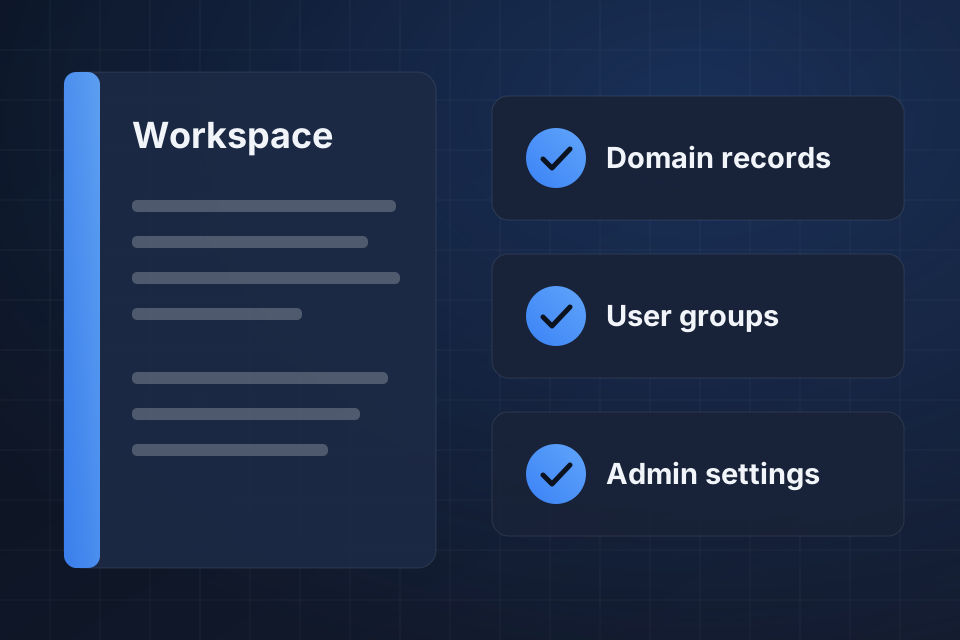
Illustration of a Google Workspace setup playbook with checks for domain records, user groups and admin settings.

What We Set Up

Correct DNS, MX, SPF, DKIM and DMARC records

Organizational units structured for role-based access

Groups and aliases that keep email routing clean

Admin console policies that match how your team works

Setting Up Workspace

1

Verify Domains

We verify your primary and alias domains, then set the DNS and MX records that route your mail.

2

Secure Email

We add SPF, DKIM and DMARC so your messages reach inboxes, and audit any existing records.

3

Build the Structure

We create organizational units, groups and aliases, then add users, licenses and group memberships in bulk.

4

Set Admin Policies

We adjust admin console settings to match how your team works, before people start relying on them.

Why Choose System Strats

We have run Workspace admin across businesses of every shape, from 5-person teams to multi-entity organizations with sensitive data. We know the quirks of the admin console, so we set up yours with your size and your data in mind.

Frequently Asked Questions

Yes. We configure primary and alias domains, set domain-specific routing rules, and give each brand or entity a clean identity inside a single Workspace instance.

We configure SPF, DKIM and DMARC correctly from the start, which keeps your email out of spam folders. For existing setups with delivery problems, we audit the records and fix them.

A standard setup runs 1 to 2 weeks, depending on how many users, domains and integrations are involved. Migrating from another email provider typically adds another 1 to 3 weeks.

Yes. We handle bulk user creation, license assignment and group membership. For larger organizations, we can set up automated provisioning through directory sync.

Ready to Get Started?

Tell us about your project and we'll get back to you within 24 hours.