Google Analytics: Google Tag Manager Implementation

Analytics, ad pixels, remarketing and conversion tags all belong in one place you can control.

One Home for Tracking

Every new ad platform or report seems to need another snippet of code, and someone has to ask a developer to add it. Over time, nobody knows which tags are running or whether they slow the site down.

Google Tag Manager, or GTM, is the control center for your website tracking. We set it up correctly, so your data is accurate, your site stays fast and your team can add new tracking without touching code.
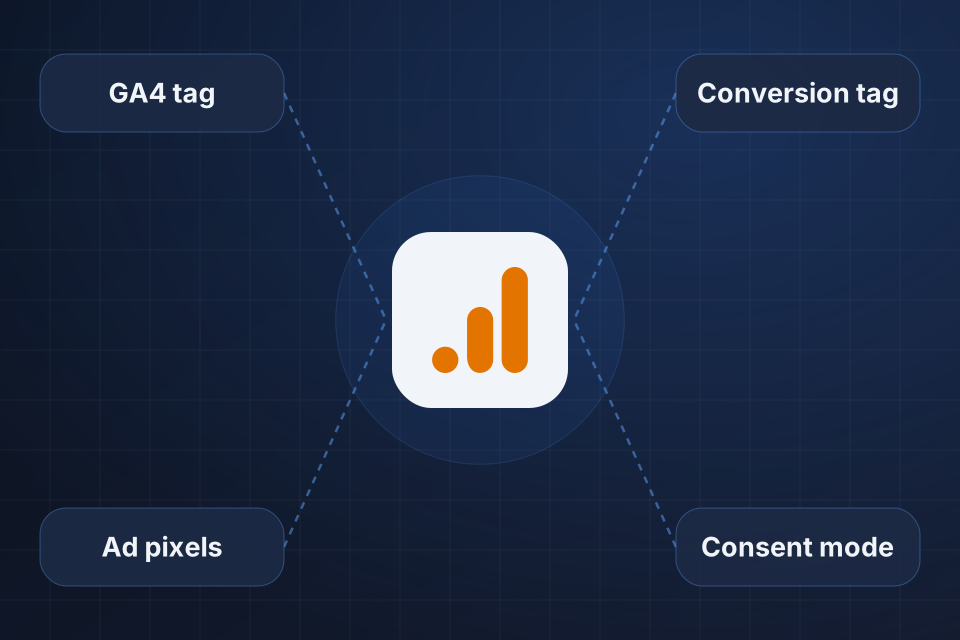
Diagram of one Google Tag Manager container at the center of a GA4 tag, ad pixels, conversion tags and consent mode.

What Your Setup Includes

A tidy GTM container with documented naming rules

A data layer that feeds ecommerce tracking reliably

Triggers and variables that keep working as you add tags

Consent mode set up to support privacy compliance

How We Set Up GTM

1

Find every tag

We audit the tags in your site code and note what each one does.

2

Build the container

Tags, triggers and variables move into GTM with clear names, and a data layer feeds your ecommerce tracking.

3

Set up consent

Google Consent Mode works alongside your consent platform, so tags fire based on each visitor’s choice.

4

Verify, then remove

Once the new tags are confirmed working, the old hardcoded versions come out of your site.

Why Choose System Strats

We work across GA4, GTM, server-side tagging and Looker Studio, so a GTM cleanup can carry through to the analytics and reports that depend on it. One engagement covers the full measurement stack instead of stopping at the tags.

Frequently Asked Questions

GTM lets marketing and analytics teams add and update tracking without shipping code changes. It also keeps every tag in one place, which makes debugging and auditing much easier than hunting through site code.

Yes, if it’s poorly configured. We use tag sequencing and tighter triggers, and we fire tags only when they’re needed. For sites with strict performance requirements, server-side tagging is the next step.

We set up Google Consent Mode alongside your consent management platform, so tags fire based on each user’s consent. Measurement can continue through modeling where that’s allowed.

Yes. We audit the hardcoded tags across your site and rebuild them in GTM with proper triggers and variables. After we verify the data, we remove the old versions.

Ready to Get Started?

Tell us about your project and we'll get back to you within 24 hours.