Skip to content

System integrations & custom APIs

Catch expired integration logins before the backlog grows

An integration loses access, and nobody notices until missing orders or updates hit daily work. New records pile up behind it. We find why access failed, restore limited access through supported routes and recover a reviewed backlog with clear owners.

Discuss this problem

How We Help

We first confirm which connection failed and when the receiving system last confirmed a completed action. Expired access, revoked permissions and account changes each need different steps to fix. We also review which person or business account is responsible for keeping access working. After we reconnect, a safe test action proves the required permissions work. We then compare records in both systems before replaying anything, because an apparent error may have happened after the work downstream was already finished.

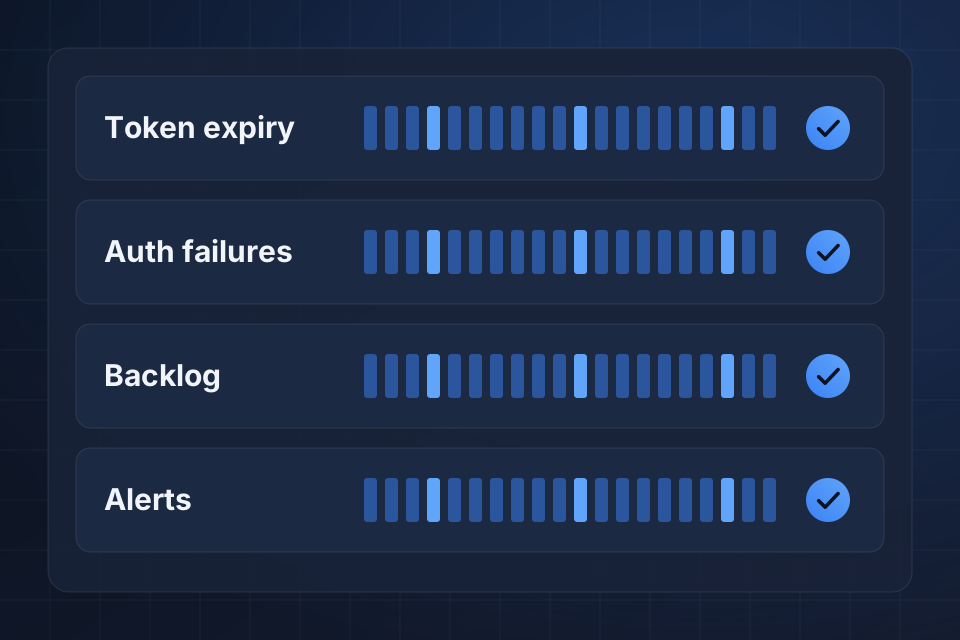
Diagram of an integration status board watching token expiry, login failures, the waiting backlog and alerts.

Signs This Is the Problem

Transfers stop without a useful warning

Authentication errors (one system failing to sign in to another) stay in technical logs, and your staff see no clear warning. Work stops moving even though the source keeps accepting new records and the business queue looks normal.

One employee controls the connection

The connection belongs to an employee whose account access changes. A departure or permission update interrupts the work, because nobody owns renewing or replacing that connection.

Pending records accumulate unnoticed

Orders or updates pile up behind the failure, and nobody is clearly responsible for recovery. The delay grows until a customer or another team reports work missing from the receiving system.

What We Investigate

Inspect the authentication failure

We inspect the failed sign-in response and the connection settings. The evidence separates expired access from revoked access or too few permissions before we choose the supported way to restore it.

Review who maintains access

We review who owns the account, which permissions are needed and how renewal works. A business process needs someone who looks after access. You can't assume a connection will stay valid for every future run.

Define the interrupted period

We compare source records with what the receiving system confirmed around the outage. That gives us a list of missing work and shows any actions that finished even though the connector got an incomplete response.

What We Repair

Restore limited integration access

We renew or replace the affected connection through the provider's supported process. We test the restored permissions with a typical action, and we don't treat a successful sign-in as enough evidence.

Make authentication failure actionable

When sign-in fails, an assigned owner gets an alert they can act on. It names the connection and gives a safe way to check pending work without showing secret access values.

Recover the verified backlog

We recover only reviewed missing records, after checking the receiving system and the duplicate controls. We record accepted results and open exceptions, so staff can account for the backlog as it clears.

How We Verify the Fix

  • The restored connection completes a typical authorized read or write action.
  • Revoked access triggers an alert the assigned integration owner can act on.
  • The backlog list separates missing records from work already accepted downstream.
  • A reviewed recovery sample reaches the receiving system without repeating completed actions.

Questions About This Work

Should credentials be sent to you?

No, use the platform's supported way to invite us, delegate access or reconnect. Do not send passwords or tokens in your inquiry. We identify the connection and permissions needed first, then work through an approved way to restore that specific business access.

Can every pending record be replayed?

Not necessarily. A failed response does not always mean the receiving system did nothing. We check accepted work before building the recovery list. Some records may need a closer comparison or an owner's decision, not an automatic replay that would repeat a completed action.

Will automatic renewal always work?

It depends on the provider and sign-in method. Some connections support ongoing renewal, while others need an owner to reauthorize them. We document those limits and set up visible failure handling. We don't promise that every connection can renew automatically.

Tell Us What Is Happening

Name the connected platforms and share one redacted sign-in error with its time. Include a safe reference for a missing record, so we can find the connection and work out how long the outage lasted.

Explore System Integrations More problems in System integrations & custom APIs

Ready to Get Started?

Tell us about your project and we'll get back to you within 24 hours.