Staff keep returning to the old system
A customer calls about an earlier conversation, and the new record has no notes. Employees keep access to the old platform because they need context that was expected to move with the customer.
Data migration
Your new system has customer details, but staff still open the old one for notes, attachments or past orders. We find what was left behind, check what the new system can keep, and recover agreed history on the right records.
Discuss this problemA customer count can look correct while the information people need for service is missing. We review the original migration scope, the source data available and a few affected customers. That tells us which records were never exported, and which were imported into the wrong place or hidden by permissions. We then set a recovery plan. Where the new system can't show an item faithfully, we agree a usable archive or another supported home for it before moving it.
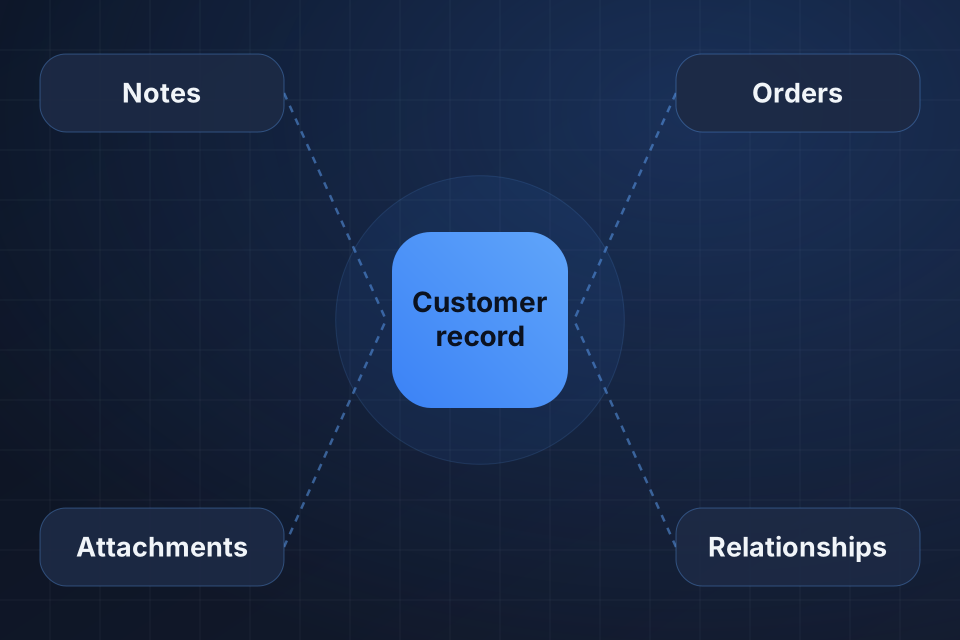
A customer calls about an earlier conversation, and the new record has no notes. Employees keep access to the old platform because they need context that was expected to move with the customer.
Files were copied, but their link to the right customer, order or case is missing. Staff search folders by filename and can't confidently tell which version or transaction a file belongs to.
A customer has several records after migration, or related orders point to the wrong account. Counts alone don't reveal this, and merging records by name risks mixing different people's histories.
We compare source exports and new-system records for notes, activities, attachments, orders and relevant relationships. Your team tells us which history matters for daily work, retention requirements and open customer requests.
We inspect original IDs, migration mapping files and relationship fields. We test matching rules on hard cases such as merged customers, duplicate names and records with several parent relationships before preparing a recovery batch.
We check supported import paths, required fields, file access and how the new system displays past data. Dates, authors and record permissions may need explicit handling, or a documented alternative when the new system can't keep them.
We create a mapping for each agreed history type and its parent record. Uncertain matches become review items. Where possible, changes keep the source IDs, so the transfer can be checked and repeated under defined rules.
We test the recovery with typical records before a larger batch. Staff check the history in the screens they really use, including attachment access and permissions, and approve how any limits of the new system are handled.
We transfer the approved batch and compare the result with the recovery inventory. Excluded items and unresolved links stay visible. The handover shows what is now usable in the new system and what needs the agreed archive.
Usually, yes. We need access or a complete usable export to recover missing information and relationships. We check existing migration files first. If the source account has closed, we look at backups and provider export options before promising what can be recovered from the evidence available.
Not in every case. Source and new systems often show history differently. A new system may restrict original authors, dates, attachment formats or record types. We document those limits and review a sample with your team. The agreed treatment might use custom fields, linked records or an accessible archive.
After recovery is checked and your team has reviewed retention and operating needs. We provide a list of recovered, archived and unresolved items. The business owner confirms whether staff can complete the required work before approving retirement of the old system.
Tell us the old and new platforms and which history is missing. Share one redacted customer example showing the expected relationships, so we can assess the recovery scope.
Tell us about your project and we'll get back to you within 24 hours.