New records miss the transfer
Customers or transactions created after the main export are missing from the new system. The first transfer looks complete, even though normal work carried on while its snapshot got older.
Data migration
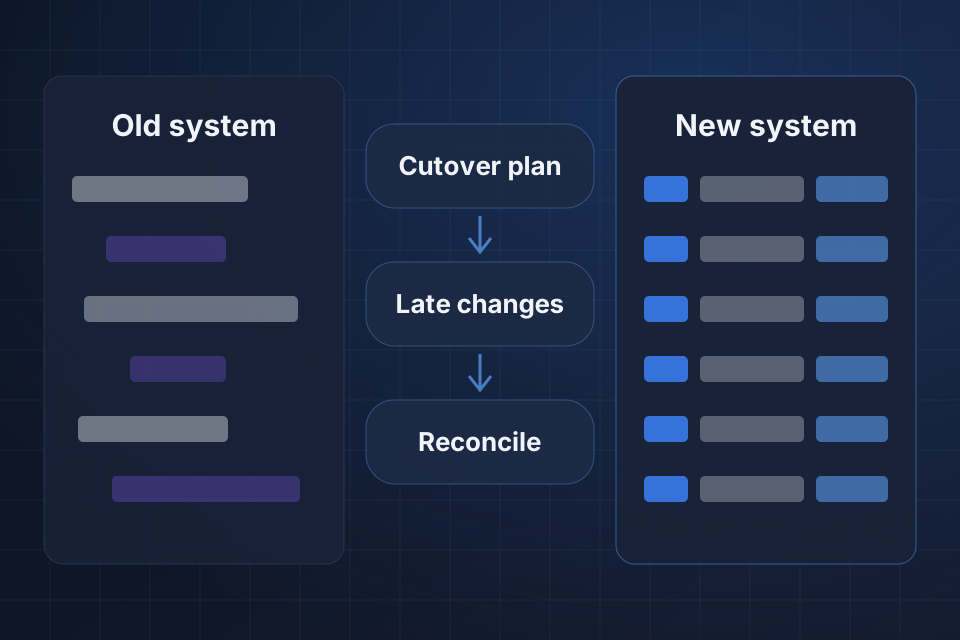
The first migration finishes, but work created afterward never reaches the new platform. Some records also miss the latest edits. We set a clear cutover point and a supported plan for late changes, so the switch rests on accountable evidence.
Discuss this problemWe compare when the export ran with the history of records created and updated. A delta is a transfer of only what changed since the export. The controls in your old system determine whether reliable deltas can include new records, changes and deletions. Your process owners then choose a pause, a controlled continuation or a supported incremental approach. Teams need clear instructions on where to enter work during that period. Before your team starts using the new system, we compare it with the old one up to the agreed cutover point, the moment of the switch. Any unresolved late work stays visible for an owner to decide.
Customers or transactions created after the main export are missing from the new system. The first transfer looks complete, even though normal work carried on while its snapshot got older.
A migrated record has details from before the latest correction in the old system. Staff trust it because the record arrived, but its old values don't show the final approved status at cutover.
Staff enter work in both systems because the switch instructions are unclear. Competing records appear, and neither team can easily show which copy should become the official one after the switch.
We find the snapshot point from export records and source history. Anything created or changed afterward is the late work the main transfer could not have included.
We assess supported ways to pull changes and evidence of deletions. An update timestamp may cover edits but not removals, so each type of change needs a reliable source and an approved treatment in the new system.
We map the switch with the teams still creating records. How and where they enter work, and who is responsible, decide whether a pause or controlled queue is practical while the new system catches up.
We put the agreed cutover policy in place for ongoing work. A pause, queue or supported delta transfer has clear owners and instructions on where to enter records during the switch.
We transfer reviewed late changes using stable IDs and explicit update rules. Existing records in the new system are recognized, and unclear deletions or duplicate entries stay separate for an owner to review.
We compare the old and new systems up to the approved cutover point before routine work moves over. The sign-off record includes open operational exceptions and doesn't rely only on the success of the last import.
Not necessarily, but unrestricted live changes need reliable capture. We assess the supported controls and agree a pause or continuation plan that suits the process. Staff should know where to enter work and how it will reach the new system during cutover.
Only with reliable source evidence and a clear policy for the new system. A missing record alone may reflect limits of the export and not a deliberate removal. Related history and retention needs also affect whether the new system should delete, archive or keep the item.
Your process owners approve the switch, using agreed acceptance criteria and open exceptions. We provide a record-by-record comparison and practical operating instructions. A finished technical import is evidence for that decision, not automatic permission to stop entering work in the old system.
Name the old and new platforms and the planned cutover arrangement. Share one redacted record created or changed after the main export, so we can see whether late changes are covered.
Tell us about your project and we'll get back to you within 24 hours.