Salsify: Implementation & Setup

Salsify only pays off once it reflects your catalog and the retailers you sell through.

Getting Salsify Live

You’ve chosen Salsify, or you’re close to it, and now someone has to turn it into a working system for your catalog and your retailers.

We handle the full rollout, from first setup through your first syndication, when content first goes out to a retailer. That covers your product schema (how product data is organized), channel connections, workflows and team access, all set up to suit your catalog and your retailers.
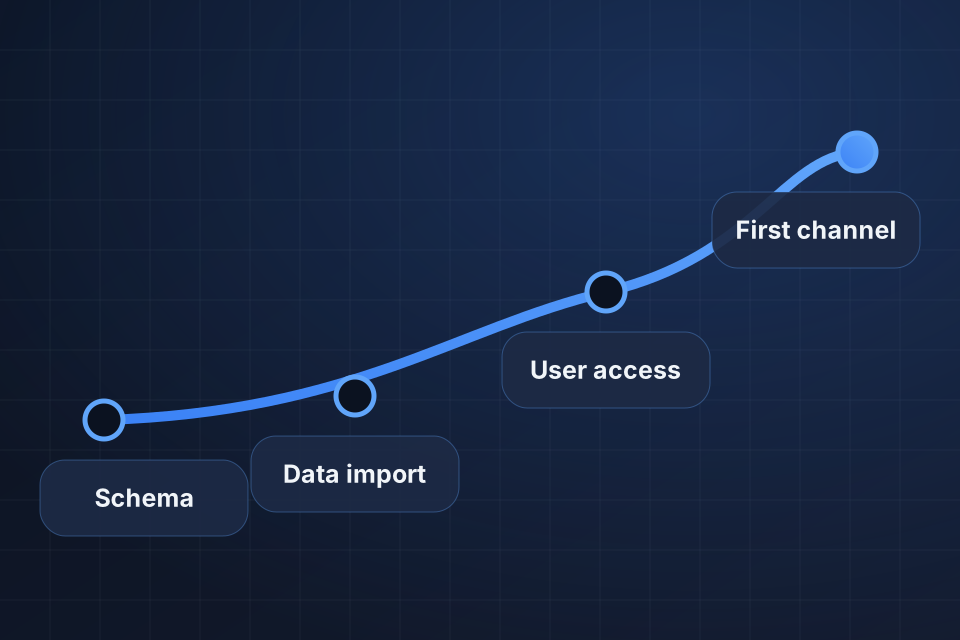
Diagram of a Salsify rollout path running from schema design through data import and user access to a first channel.

What We Set Up

Product schema and attributes set up for your catalog

Channel connections for your target retailers

User roles, permissions and workflows

First data import, validated before launch

From Schema to Syndication

1

Design the Schema

We define product attributes around your catalog and the retail channels you sell through.

2

Import Your Data

We move data from PIMs, spreadsheets, ERP exports or manual catalogs, then validate it against the schema.

3

Set Up Access

We configure user roles, permissions and workflows, and train your team.

4

Connect Channels

We set up your target retailers and run your first channel syndication.

Why Choose System Strats

We’ve implemented Salsify for CPG and retail brands. We understand retailer demands and omnichannel complexity, so your setup starts with the channels you sell through.

Frequently Asked Questions

Its key strength is sending content straight to retailers. Salsify pushes product content to Amazon, Walmart, Target and many others. If you sell through major retailers, that’s a big advantage.

Typical projects take 8 to 14 weeks, including schema setup, channel connections, data migration and team training. Timing varies with how complex your catalog is and how many retail channels you use.

It mainly serves mid-market to enterprise brands selling through retail channels. For smaller brands, or those selling mostly through their own website, Akeneo or Plytix may be more cost-effective.

Yes. We migrate data from any source, including other PIMs, spreadsheets, ERP exports and manual catalogs, and reshape it to fit your Salsify schema.

Ready to Get Started?

Tell us about your project and we'll get back to you within 24 hours.