Power BI: Administration & Governance

The first few reports are easy to manage. Trouble starts when every department has its own version of the numbers.

Order as Usage Grows

More people are using Power BI, and nobody is sure who can see what or which report is the official one. That is when you need governance, the rules for who owns your data and who can reach it.

We set up tenant settings, the controls that apply across your whole Power BI account, along with workspaces, row-level security and data certification. The result is a reporting setup that is secure, tidy and easy to trust.
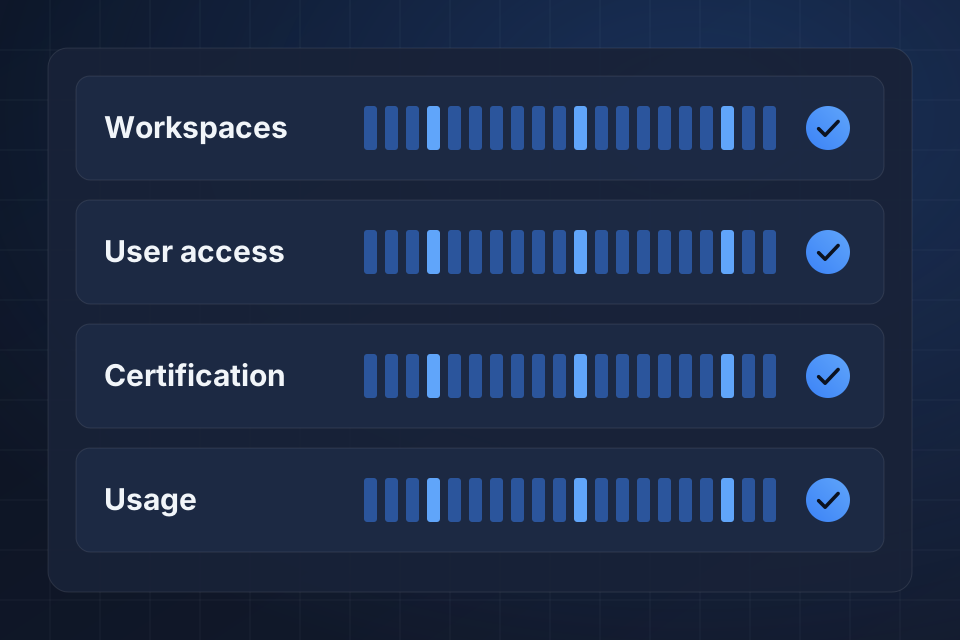
Diagram of a Power BI governance board tracking workspaces, user access, data certification and usage.

What Gets Organized

Workspaces in a clear order, with access managed by role

Row-level security, so each role sees only the data it should

Data certification, so people know which numbers are approved

Usage tracking that shows which reports people rely on

Putting Governance in Place

1

Review Settings

We review your tenant settings, workspaces and permissions to see who can reach what today.

2

Structure Workspaces

We sort workspaces by team, data area and access needs, keeping work in progress, testing and live content apart.

3

Secure the Data

We set up row-level security, certify trusted datasets and create shared datasets that cut down on copies.

4

Monitor Usage

We track who uses what, then retire unused content before report sprawl returns.

Why Choose System Strats

We’ve built Power BI solutions for a range of organizations. On a governance project, our job is to keep data secure while keeping it easy to reach and act on.

Frequently Asked Questions

Around your teams, data areas and access needs. We keep work in progress, testing and live content separate, with clear steps for moving work from one to the next.

It limits the rows of data each person can see, based on who is viewing the report. A regional manager sees only their region, while an executive sees everything, all from the same report.

With clear rules. We use dataset certification, shared datasets that cut down on copies, workspace access controls and usage monitoring to find and retire unused content.

Yes. We put adoption plans in place, with user training, portals that help people find reports and self-service support. These help your team move from Excel reports to Power BI.

Ready to Get Started?

Tell us about your project and we'll get back to you within 24 hours.