NetSuite: Scripting

SuiteScript is NetSuite’s own programming layer. It can do far more than standard settings, but it takes real expertise.

When Settings Aren’t Enough

Your process needs something NetSuite doesn’t do out of the box, so people fill the gap by hand. That means repeated tasks, missed rules and more errors.

We write custom scripts that automate repetitive work, enforce business rules and take NetSuite well past its standard features. You might need client scripts that check a form as someone fills it in, scheduled scripts for overnight batch jobs, or RESTlets that connect outside systems. Our developers keep the code clean and easy to maintain as you grow.
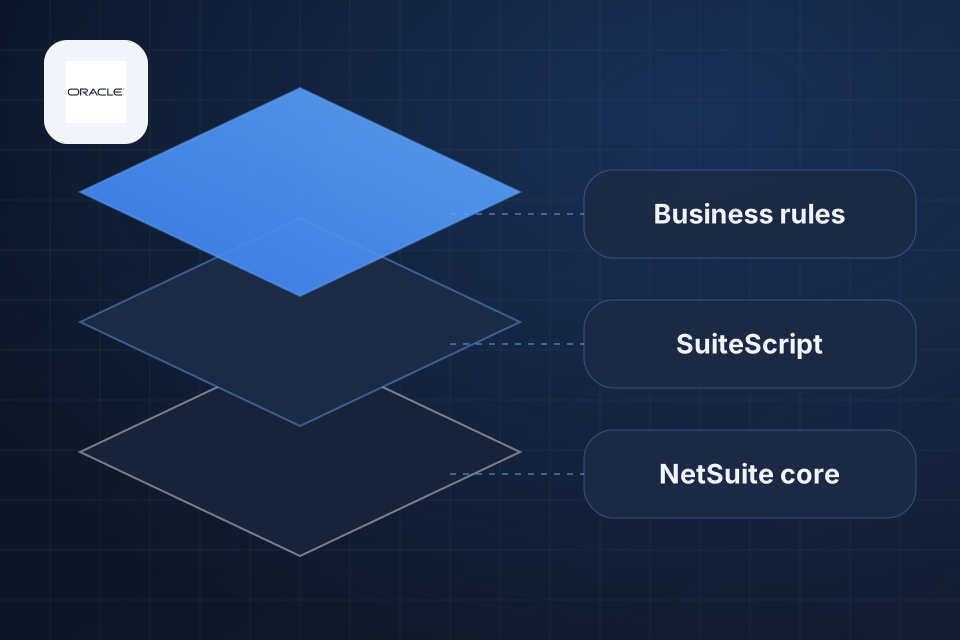
Diagram of NetSuite scripting in layers: your business rules, custom SuiteScript and the NetSuite core beneath.

What Custom Scripts Do

Less manual data entry and fewer human errors

Complex business rules enforced automatically

NetSuite connected to outside systems through RESTlets

Approvals, notifications and record updates that run on their own

How We Write SuiteScript

1

Define the Rule

We write down the exact behavior you need, including the exceptions, before any code gets written.

2

Pick Script Type

We choose client, user event, scheduled, map/reduce or RESTlet based on your use case and speed needs.

3

Code and Test

We write clean code on supported APIs and test it against your scenarios and NetSuite’s governance limits.

4

Maintain Through Updates

We offer maintenance plans that test your scripts against upcoming NetSuite releases, so problems surface early.

Why Choose System Strats

We have hands-on NetSuite experience across a range of industries, and we know where most companies stumble. With scripting, that helps us judge when custom code is worth it and when a simpler setting will do.

Frequently Asked Questions

We work with all current SuiteScript types, including Client Scripts, User Event Scripts, Scheduled Scripts, Map/Reduce Scripts, Suitelets, RESTlets and Workflow Action Scripts. We select the right type based on your use case and speed needs.

Yes. We frequently audit and refactor existing SuiteScript code. Common issues we resolve include breaches of governance limits (NetSuite’s caps on script usage), slow search queries and scripts that break during NetSuite updates.

Simple scripts like field validations or auto-fill logic can be delivered in 1 to 2 weeks. Complex integrations or multi-script workflows typically take 3 to 6 weeks, depending on scope and testing needs.

We build to keep that risk low, using supported APIs and best practices. We also offer ongoing maintenance plans that test your customizations against upcoming NetSuite releases.

Ready to Get Started?

Tell us about your project and we'll get back to you within 24 hours.