Looker Studio: Data Source Configuration

A polished dashboard built on the wrong data is worse than none, because people will believe it.

Getting the Right Data In

Your Google data is easy to connect, but your Facebook Ads, CRM and other platforms are not. So the dashboard tells half the story, or someone pastes in the rest by hand.

A Looker Studio report is only as good as the data behind it. We set up Google’s own connectors, community connectors and custom BigQuery pipelines, so your dashboards show correct, timely data from every platform that matters.
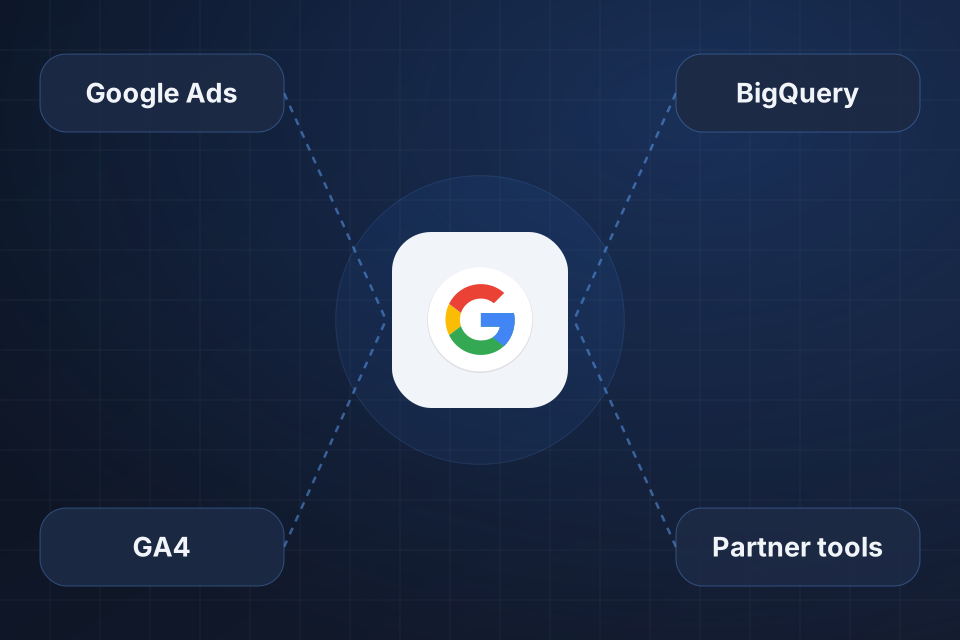
Diagram of Looker Studio at the center, connected to Google Ads, GA4, BigQuery and third-party tools.

Sources We Configure

Google connectors for Analytics, Ads and Search Console, properly tuned

Community connectors for third-party platforms

BigQuery as one hub for reports that draw on many sources

Data from several sources blended into a single chart

Connecting Your Data

1

List Sources

We list every platform that feeds your reports and check which ones have native or community connectors.

2

Connect Platforms

We set up Google connectors first, then community connectors or Google Sheets for everything else.

3

Build the Hub

Where reliability and scale matter, we route data through BigQuery as a central hub.

4

Blend and Refresh

We blend sources using shared fields, such as ad cost with conversions, and set refresh timing to suit your needs.

Why Choose System Strats

We’ve built Looker Studio dashboards for businesses at every stage, and we understand Google’s tools. That helps us connect your sources cleanly, with no extra complexity.

Frequently Asked Questions

Google Analytics, Google Ads, Search Console, BigQuery, Sheets and YouTube connect natively. Community connectors add Facebook Ads, LinkedIn, HubSpot, Salesforce and many more. BigQuery can serve as a hub for virtually any data.

We use community connectors where we can, or pipe data through Google Sheets or BigQuery. BigQuery is our first choice when speed and reliability matter at scale.

Yes. Looker Studio can blend data using join keys, which are fields both sources share. For example, you can compare Google Ads cost with Google Analytics conversions in one chart.

It depends on the connector. We set refresh times based on your needs and can use BigQuery scheduled queries for more control over how fresh your data is.

Ready to Get Started?

Tell us about your project and we'll get back to you within 24 hours.