Shipped orders still look unfulfilled
The warehouse has sent the goods, but the storefront still lists the order as unfulfilled. Staff can't tell whether it still needs picking or only the status update is missing.
eCommerce operations
The warehouse shipped an order, but your storefront still shows it waiting. Tracking never reaches the customer, and staff may ship it again. We trace the shipment through the connector, fix confirmed failures, and check affected orders before recovery.
Discuss this problemWe start with one shipment, with personal details removed: its warehouse reference, its order lines and what the storefront should show. We then check whether the message arrived and whether the storefront accepted it, including for partial shipments. If an update is marked as received before the storefront accepts it, the failure can stay hidden. Our fixes cover mapping faults, delivery faults and how duplicates are handled. We recover past updates from a reviewed list, after checking the fulfillment records already in place and any customer messages a replay could send.
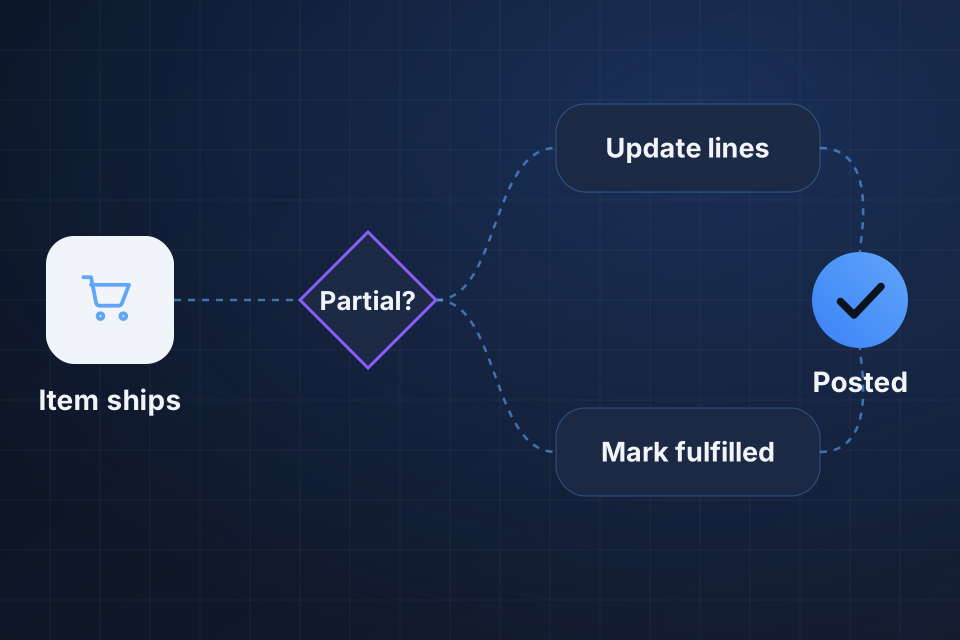
The warehouse has sent the goods, but the storefront still lists the order as unfulfilled. Staff can't tell whether it still needs picking or only the status update is missing.
The carrier reference sits in the warehouse records but not on the order the customer can see. Customers ask your office for tracking because their order never got the shipping details.
An out-of-date order queue prompts another fulfillment request after the first shipment has left. The second request looks real until someone checks it against the warehouse record of the original shipment.
We follow one shipment reference from the warehouse through the connector. The storefront's responses show whether it accepted the update, rejected it, or marked it successful before the fulfillment status really changed.
We compare order and line IDs for partial shipments. Each parcel needs to update the right quantities. It must not mark goods still owed as complete or attach tracking to another order.
We review the receipt and retry records around failed updates. They show the difference between a message that never arrived and one the storefront accepted, but whose response the connector failed to keep.
We fix the delivery or mapping fault we have confirmed, and we record that the storefront accepted the update. A storefront status changes only when the evidence shows which shipment belongs to which order.
Where the storefront supports it, we apply partial fulfillment updates to the right order lines. Remaining quantities stay open, and the shipment reference shows which goods have already left the warehouse.
We recover a fixed list of missing updates after checking what is already fulfilled. Before any old message runs again, we review how customer alerts will behave and whether it could trigger a second shipment.
They might. Replaying an update can send a customer message, depending on the storefront. We check how it behaves and agree how to handle it before recovery. The aim is to put the correct fulfillment record back without surprising customers with news that an old shipment has just happened.
That takes an operations decision based on both shipment references. We identify the conflicting shipment records and keep them for the person who owns fulfillment. Changing a storefront status can't tell you whether a second parcel should be recalled, credited or handled some other way.
A redacted order reference, the warehouse shipment reference and the rough shipping time all help. Tell us which order status stayed wrong. We then work out the limited connector and fulfillment access we need to compare message delivery with the actual storefront record.
Name your storefront and warehouse tools. Share one redacted order and shipment reference with the shipping time, so we can compare what physically shipped with the update your storefront is missing.
Tell us about your project and we'll get back to you within 24 hours.