eBay: Bulk Listing Uploads

One bad bulk file can push hundreds of wrong prices live at once. A good workflow catches those errors before upload.

When Your Catalog Outgrows Hand-Listing

Listing products by hand works for a handful of items. Once you have hundreds or thousands of SKUs, the product codes in your catalog, it stops being realistic and your updates fall behind.

We set up bulk workflows using eBay File Exchange, Seller Hub templates or third-party listing tools. You can then upload, update and manage listings in batches, with far less manual work.
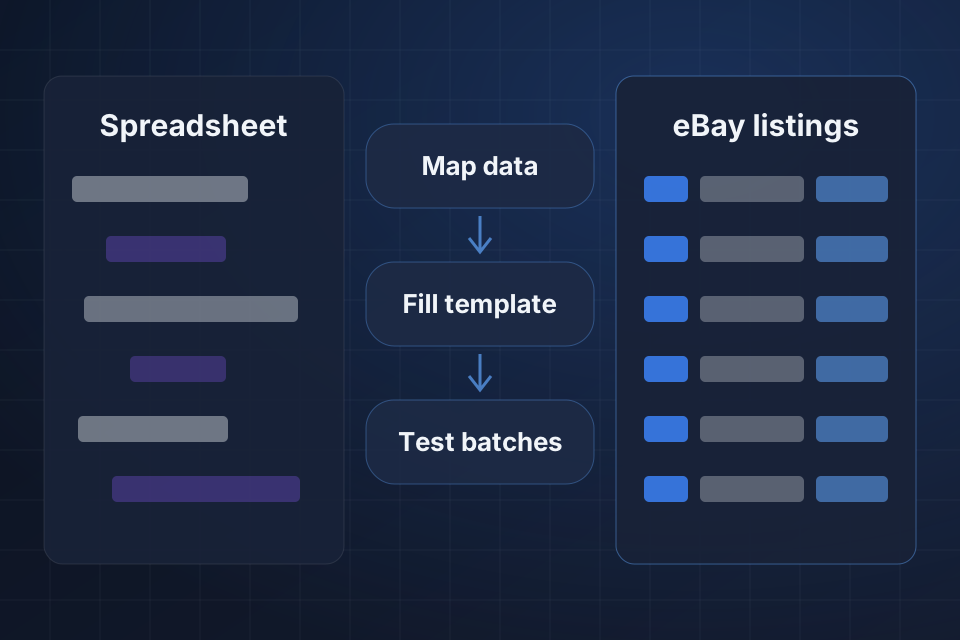
Diagram of spreadsheet data becoming clean eBay listings through data mapping, a filled template and test batches.

What Changes for Your Team

Bulk upload workflows built on File Exchange or a listing tool

Templates that keep listing structure the same across products

Batch edits for price, quantity and content

Validation that catches errors before an upload goes live

How We Build the Workflow

1

Map the Data

We look at where your product data lives, then choose File Exchange, Seller Hub or a listing tool to match your volume.

2

Build the Template

Your current listings get exported and restructured into one template, so future edits happen in a single file.

3

Test in Batches

Each file is validated, then tried on a small test batch before the full catalog goes up.

4

Hand Over

You get a checklist for required fields and a clear process for pulling and correcting any listing that slips through.

Why Choose System Strats

We work across Shopify, BigCommerce, WooCommerce, Amazon and back-office systems like NetSuite. Bulk listing work gains from that view, because your eBay files should fit the rest of your business instead of creating more work.

Frequently Asked Questions

It depends on your volume and data source. eBay File Exchange works for many sellers, and Seller Hub bulk tools handle day-to-day edits. Larger catalogs may suit a third-party listing platform or middleware connected to your product database.

Yes. We export your current listings, restructure them into a template and upload them again in bulk. Future edits then become much easier.

We validate bulk files before upload, run test batches and build checklists for required fields. If an issue still slips through, we have processes for quickly pulling bad listings and correcting them.

Yes. We can connect eBay to your inventory system or product database. Price, quantity and content updates then flow automatically, with no manual uploads.

Ready to Get Started?

Tell us about your project and we'll get back to you within 24 hours.