eBay: Account Setup

Selling limits, policy flags and feedback problems often trace back to choices made at signup.

Getting the Foundation Right

You want to start selling on eBay, or bring an existing business onto the marketplace, and the signup form looks simple. The choices behind it take more thought. A wrong selling plan or half-finished verification can turn into policy or feedback trouble once sales pick up.

We verify your business, set up payments and payouts, choose the selling plan that fits your listing volume, and structure the account so it can grow. You start with policies in place and fewer surprises later.
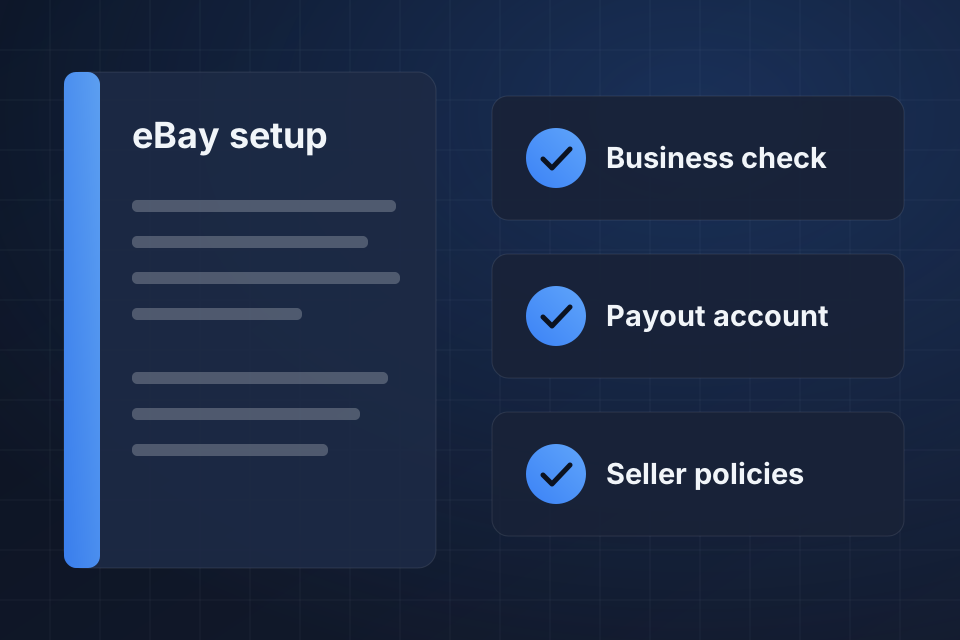
Illustration of an eBay account setup playbook with checks for business verification, payout account and seller policies.

What You Get at Launch

A verified business account with payments and payouts working

A selling plan matched to how many items you list

Shipping, return and payment policies ready before your first sale

Early guardrails that help you avoid selling limit and policy issues

From Signup to First Listing

1

Gather Details

First we collect your business documents and confirm whether you need several accounts, international selling or category approvals.

2

Verify and Connect

Business verification comes next, along with payments and payouts, so money from sales reaches the right account.

3

Set Policies

We write your shipping, return and payment policies, then enter tax settings, business details and branding.

4

Plan for Limits

New accounts start with limits. We explain how performance history and category approvals can raise yours over time.

Why Choose System Strats

We work across Shopify, BigCommerce, WooCommerce, Amazon and back-office systems like NetSuite. That means your eBay account gets set up with your bigger picture in mind, so it fits the rest of your business from the start.

Frequently Asked Questions

A few days for a straightforward account, once your verification documents are ready. Setups with multiple accounts, international selling or category approvals can take longer.

Yes. eBay sets starting limits on new accounts, and we show you how to request increases through performance history, category approvals and contact with eBay support.

Yes. Business accounts are the right fit for most of our clients. We help you configure tax settings, business information and branding from the start.

We can audit it and clean up the setup without starting from scratch. Feedback, policies, listing quality and account health metrics all get a close look.

Ready to Get Started?

Tell us about your project and we'll get back to you within 24 hours.