Web Hosting: Hosting Setup & Configuration

The best hosting is boring. It’s fast, it’s secure, and nobody has to think about it.

Setup Done Properly Once

You paid for good hosting, yet the site still feels slow, or a browser warns visitors that it isn’t secure. The plan may be fine. The settings often aren’t.

We handle the full setup, from account creation and SSL certificates, which encrypt traffic to your site, through caching, security hardening and performance tuning. Your hosting then just works from day one.
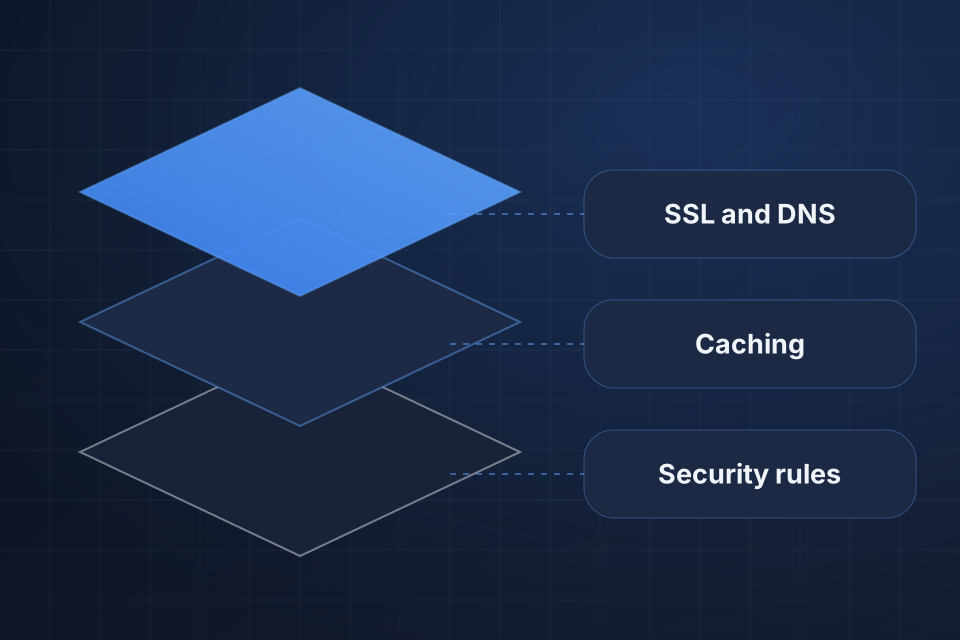
Diagram of a hosting setup in three layers: SSL and DNS, caching, and the security rules underneath.

What We Configure

Your hosting account set up and ready to use

SSL certificates installed and managed

Caching, plus a CDN that serves your site from nearby servers

Security hardening and firewall setup

Configuring a New Host

1

Create the Account

We create the hosting account, configure your DNS and set up email for your domain.

2

Lock It Down

We install SSL and add security headers, login protection, proper file permissions and two-factor authentication.

3

Tune for Speed

We set up caching and a CDN, usually Cloudflare, plus any tuning your platform needs.

4

Protect Backups

We turn on automated daily backups with offsite storage, then test that a restore actually works.

Why Choose System Strats

We work across WP Engine, Kinsta, Cloudways, cloud VPS setups and custom AWS and GCP hosting for different clients, and we’re honest about which setup is right for each situation. We spend our effort on the few settings that affect your business rather than chasing benchmarks that don’t matter.

Frequently Asked Questions

It covers creating the hosting account, configuring DNS, installing SSL, setting up caching, configuring email and any platform-specific tuning. A clean new site usually takes a few days of focused work.

For most sites with global audiences or image-heavy content, yes. A CDN delivers your pages from servers close to each visitor. Cloudflare is the usual default because it costs little and is easy to configure.

We layer several protections, including security headers, login protection, file permissions, plugin review, two-factor authentication and regular scanning. No single setting keeps a site secure.

Automated daily backups are the baseline, with offsite storage and tested restore procedures. A backup nobody has ever restored from can’t really be trusted.

Ready to Get Started?

Tell us about your project and we'll get back to you within 24 hours.