Digital Presence Setup: Email Configuration

Your email is often the first impression customers get. It should come from your own domain.

Move Past Personal Email

Your team sends business email from personal accounts, or from an old provider that’s hard to reach away from the office. Important messages end up scattered, and customers notice.

We set up professional email on Google Workspace or Microsoft 365. That covers creating the accounts, moving your existing email, configuring security and training your team on the new system.
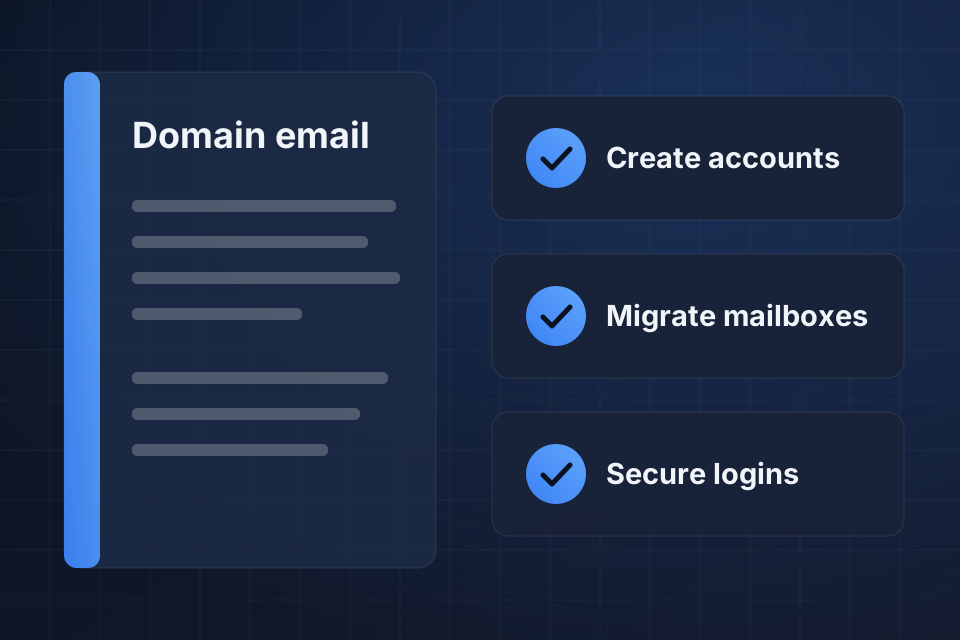
Illustration of a business email setup checklist for Google Workspace or Microsoft 365: accounts, mailboxes and secure logins.

What Your Team Gets

Professional email addresses on your own domain name

Cloud-based email your team can reach from anywhere

Built-in productivity tools and file storage

Spam filtering and security protection

How We Move Your Email

1

Choose the platform

We compare Google Workspace and Microsoft 365 against how your team works and help you decide.

2

Create the accounts

Mailboxes, aliases and distribution lists get built to match how your team communicates.

3

Migrate the mailboxes

Old messages, calendar events and contacts move across from your previous provider.

4

Secure and train

Strong password rules, two-factor authentication and forwarding controls go on, then your team gets trained.

Why Choose System Strats

We’ve built digital presence strategies for companies at all stages. Your email setup is one piece of that work, so it gets planned alongside your domain and the rest of your accounts.

Frequently Asked Questions

Both are excellent, so it comes down to your needs. Google is generally simpler. Microsoft is better if you need deep integration with Outlook and Office applications. We’ll help you weigh them up.

Yes. We move existing mailboxes from your old provider to your new platform. Past messages, calendar events and contacts all come across.

Both platforms support group email addresses and distribution lists. We’ll configure whatever structure suits the way your team communicates.

Strong password policies, two-factor authentication and forwarding controls. We enable all three to help prevent unauthorized access to your business email accounts.

Ready to Get Started?

Tell us about your project and we'll get back to you within 24 hours.