Invented details fill the inbox
Your staff get made-up names or off-topic requests through a form that otherwise works. Each accepted entry still creates follow-up work before anyone can tell whether it is real demand.
Advertising & conversion tracking
Your ads fill the inbox, but sales spends the day rejecting junk. Real inquiries arrive with no sign of which campaign sent them. We trace the form, fix what we can confirm, and help reports separate forms from real demand.
Discuss this problemWe start with a few junk inquiries and a few real ones from the same form, with personal details removed. When each one arrived, and how the form handled it, shows where the problem sits before anyone changes a filter. Your sales team decides what counts as a useful inquiry, and we check how that decision shows up in your reports. The work can include form validation and feedback on lead quality. If the evidence points to campaign targeting, we scope that separately.
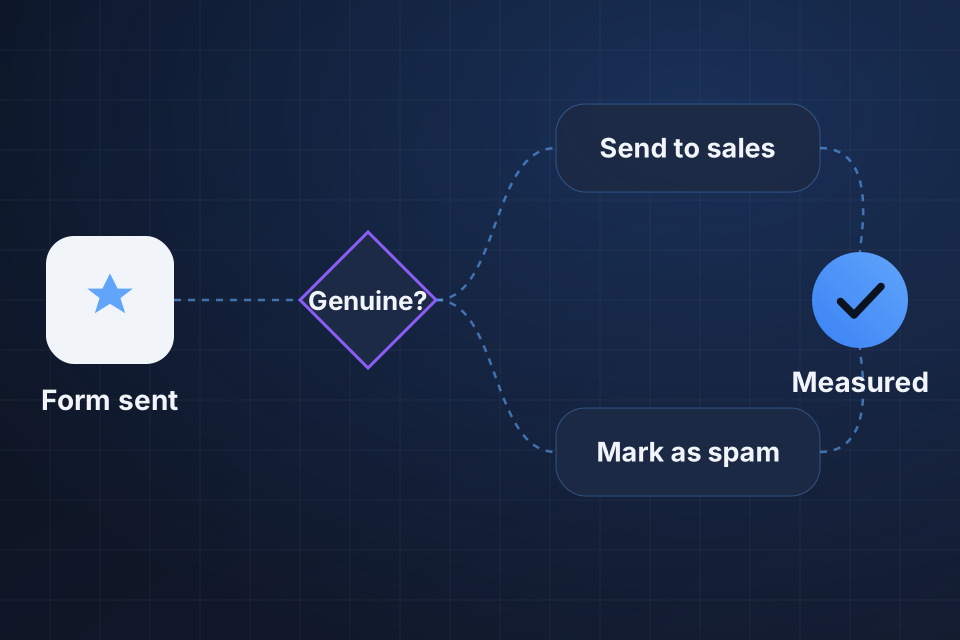
Your staff get made-up names or off-topic requests through a form that otherwise works. Each accepted entry still creates follow-up work before anyone can tell whether it is real demand.
Your ad platform counts forms that sales rejects right away. A rising conversion total tells the team little about useful conversations, especially when junk and real requests share one number.
Good prospects reach sales with no usable campaign details. Your team can answer them, but can't say which ads brought real demand or compare that demand with the rejected inquiries.
We compare submissions, with personal details removed, against the form's acceptance logs and arrival patterns. The aim is to tell automated attempts from real inquiries outside your service area before we choose a control.
We check the form's server validation and the point that reports a lead. Rejected attempts may still show up in your reports if acceptance and conversion tracking take different paths through the form handler.
Your sales team tells us how they spot real interest and how they record a rejection. Those answers set a useful line for reporting and show which decisions should stay with a person.
We revise validation and supported bot controls around the pattern we observed. Real mobile submissions stay in the testing, so a quieter inbox doesn't hide potential customers who got rejected.
We split accepted forms from reviewed, qualified inquiries using the reporting routes you have. Labels explain what each number means before your team uses it to judge ad performance.
We keep the relevant source details and make unusable inquiries easy to review the same way each time. Your team gets a practical way to sort them. That process can reveal new spam patterns without quietly throwing away unclear requests.
No. Filtering handles patterns we can identify and test. New spam patterns need review, and aggressive rules can reject real prospects. We look at both accepted and rejected examples before treating a quieter inbox as evidence that lead quality has improved.
Not at the start. The work begins with how inquiries get accepted and measured. If the evidence points to an audience problem or a misleading ad, we explain that finding and agree on the campaign work separately. Raw submission counts alone are not enough reason to change campaign budgets.
Send the form URL and one inquiry that shows the junk pattern, with personal contact details removed. Keep the submission time and the layout of the fields. From there we can identify the form handler and reporting routes that need limited access.
Tell us which ad platforms and forms are involved. Send one spam inquiry with its submission time and personal details removed, so we can inspect how the form accepted it and how it got measured.
Explore Advertising & Discovery More problems in Advertising & conversion tracking
Tell us about your project and we'll get back to you within 24 hours.