Pimcore: DAM Configuration

Your images and documents belong next to the products they describe, in a library your team can search.

Finding The Right File

Your team loses time hunting for the right image, or can’t tell which version of a file is current. Assets end up spread across servers and systems, with no one place to look.

We configure Pimcore’s DAM, or digital asset management tool, which keeps images, videos, documents and other files alongside your product data. That includes folder structures, metadata, thumbnail generation and access controls. Your team can then find and use assets quickly.
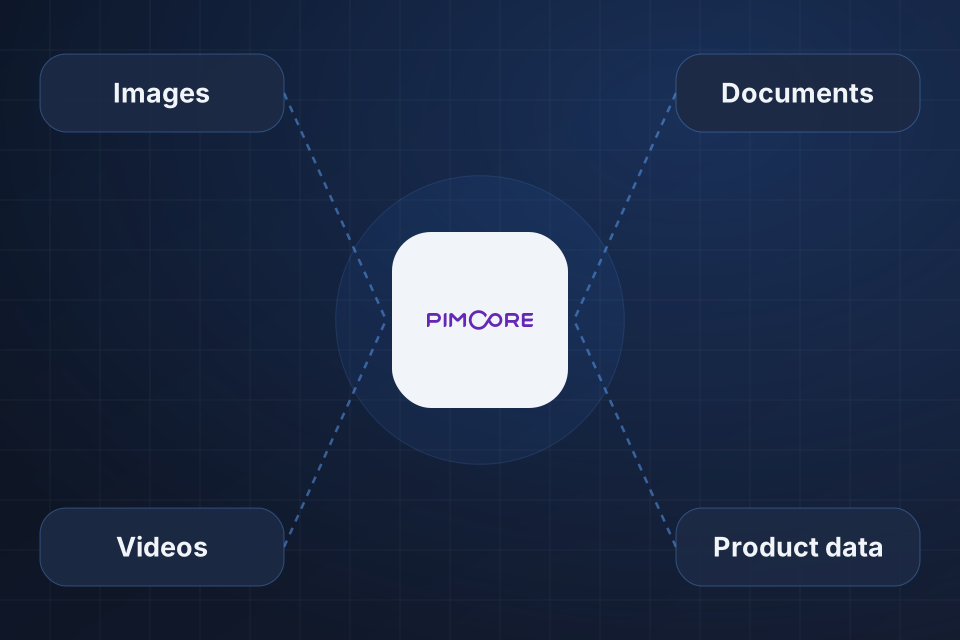
Diagram of the Pimcore DAM at the center, connected to images, videos, documents and linked product data.

What Your Library Gets

Clear folders with metadata tags, which are labels you can search

Thumbnails and image sizes made for you

Version history and approval steps for each file

Files linked right to products, with no separate DAM

Organizing Your Assets

1

Design Structure

We build folders and metadata around your workflow, usually by product line, brand or asset type.

2

Set Access

Access controls and asset workflows decide who can view, change and approve each file.

3

Automate Variants

Thumbnail pipelines create web, mobile, social media and marketplace versions from each master file.

4

Link To Products

Assets get tied directly to product records, so each product keeps the right images and documents.

Why Choose System Strats

We’ve deployed and optimized Pimcore for enterprise organizations. We know what the platform can do and where it gets hard, and that includes how its DAM ties into your product data.

Frequently Asked Questions

Pimcore’s DAM sits right next to your product data, so files link to products with no separate integration. That removes sync problems and keeps images, documents and media tied to the right products.

Yes. We set up thumbnail pipelines that create web, mobile, social media and marketplace versions from your master files. That saves your design team significant time.

We design folders and metadata around how your team works. They’re typically organized by product line, brand or asset type, with tags you can search.

Yes. Pimcore’s DAM supports all file types, including images, videos, PDFs and office documents. We set up previews, metadata capture and storage settings for each type.

Ready to Get Started?

Tell us about your project and we'll get back to you within 24 hours.