Microsoft: Power Apps

The tool your team needs may not exist yet, and building it may not take a full software project.

When Spreadsheets Run the Process

Your team tracks inspections, expenses or projects in spreadsheets and email, and off-the-shelf software doesn’t fit how you work. Custom software sounds slow and costly.

Power Apps lets us build business apps without traditional coding. We create everything from simple forms to complex multi-screen apps. Each one solves a specific business problem and connects to your Microsoft tools.
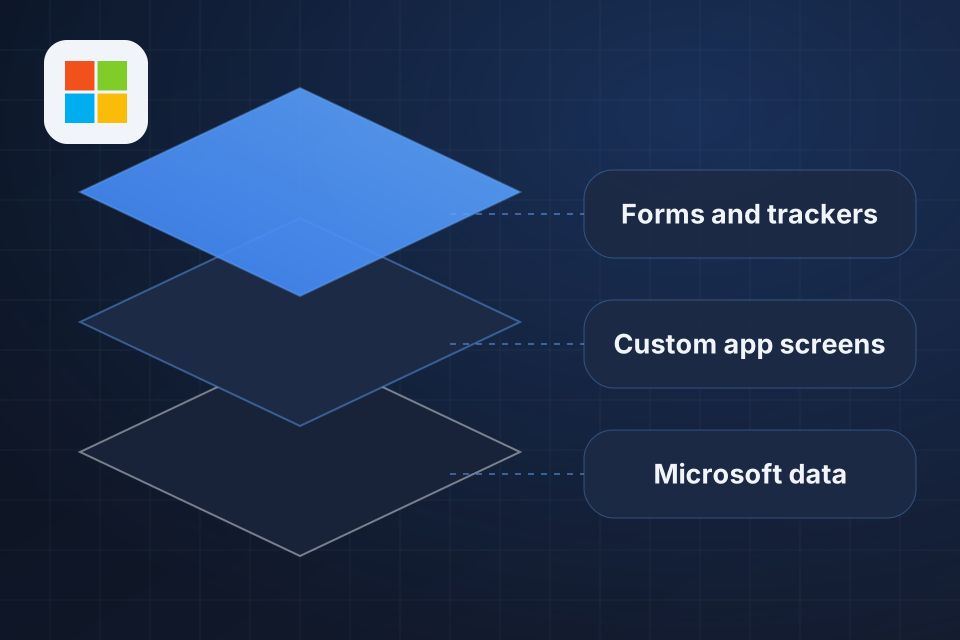
Diagram of Microsoft Power Apps in layers: forms and trackers, custom app screens and the Microsoft data beneath them.

What You Get Built

Custom business apps without a full software project

Direct links to SharePoint, Dataverse and other data sources

Mobile-responsive apps that work on any device

Fast builds and quick rounds of changes

How We Build Your App

1

Define Need

We pin down the business problem, who will use the app, and where its data lives.

2

Connect Data

Your data gets linked from SharePoint, Dataverse or an outside source, with Dataverse used for complex models.

3

Build Screens

Forms, views and business logic go in, and you review working screens as the app develops.

4

Roll Out

Your team gets the app on desktop or through the Power Apps mobile app, with training on how to use it.

Why Choose System Strats

We’ve implemented Microsoft solutions for organizations of all sizes. A Power App only pays off if people use it, so we build around the way your team already works.

Frequently Asked Questions

Power Apps builds the everyday tools a business runs on, such as inventory trackers, expense approvers, inspection forms, customer portals and project trackers. If it’s an internal tool or process app, Power Apps can likely build it.

Simple apps, like forms and data views, can take 1 to 2 weeks. Complex apps with multiple screens, business logic and integrations typically take 4 to 8 weeks. Both are significantly faster than traditional development.

Yes. Power Apps connects to a wide range of data sources, including SQL databases, REST APIs, Google Sheets, Salesforce and custom connectors. We recommend Dataverse for complex data models.

Yes. Power Apps are responsive and run on iOS and Android through the Power Apps mobile app. Canvas apps can also be designed specifically for mobile use.

Ready to Get Started?

Tell us about your project and we'll get back to you within 24 hours.