Canva: Integrations & Workflows

Every download and re-upload is a chance for the wrong version to go out. Direct connections take that step away.

Getting Content Out of Canva

Your team finishes a design in Canva, downloads it, then uploads it by hand to wherever it needs to go. Approvals happen over email, and old versions keep turning up.

Canva connects to cloud storage, social media publishers, Google Workspace, Microsoft 365 and more. We set up those connections and build workflows that move content from Canva to the right place, with far less copying and pasting.
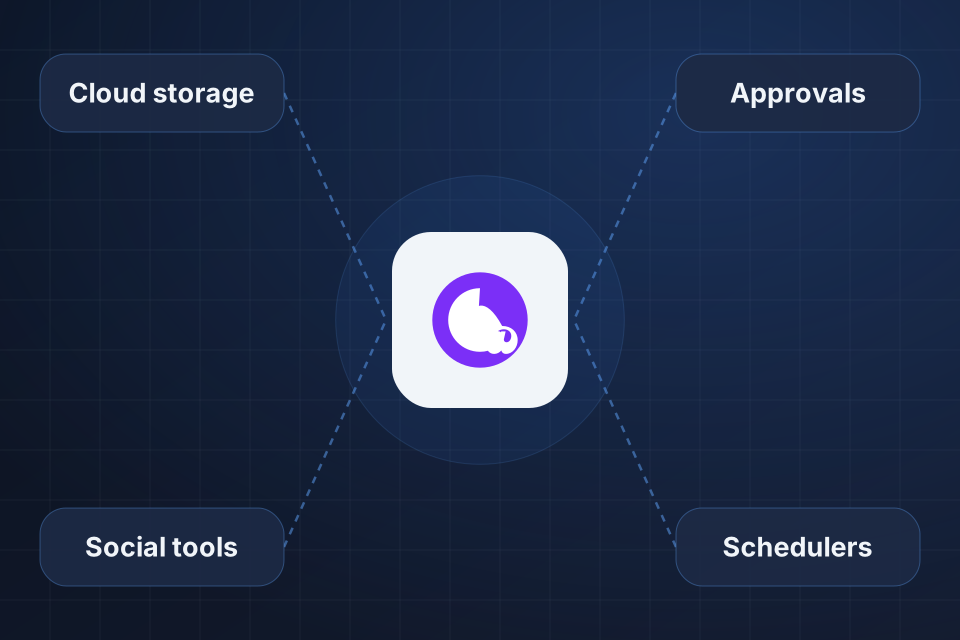
Diagram of Canva at the center, connected to cloud storage, social tools, approvals and schedulers.

What Stops Being Manual

Cloud storage connections for managing assets

Social media publishing workflows

Content approval and handoff processes

Custom automation through APIs or tools like Zapier, where supported

Setting Up Your Workflows

1

Trace the Handoffs

We follow a piece of content from design to publishing and note every manual download, upload and approval.

2

Connect Storage

Canva gets linked to Google Drive, Dropbox, OneDrive or your DAM, the library where your brand assets live.

3

Set Approvals

Clear steps decide who reviews what and how finished work reaches the right scheduler or publisher.

4

Automate Repeats

Repetitive design tasks move to bulk create, Zapier, Make or the API, depending on which one fits.

Frequently Asked Questions

Yes. Canva integrates with many social media platforms and schedulers. We help you pick and configure the ones that fit your tools and content workflow.

Yes. Canva supports Google Drive, Dropbox, OneDrive and other storage tools. For teams using a dedicated DAM, we set up the connection or build a workflow around it.

Yes, for some use cases. For most clients, native integrations and tools like Zapier or Make handle what they need. For specialized automation, we evaluate whether the API is the right fit.

Some of them, yes. Canva supports bulk create, data-driven templates and connections to content tools. We identify the repetitive tasks worth automating and set up workflows around them.

Ready to Get Started?

Tell us about your project and we'll get back to you within 24 hours.