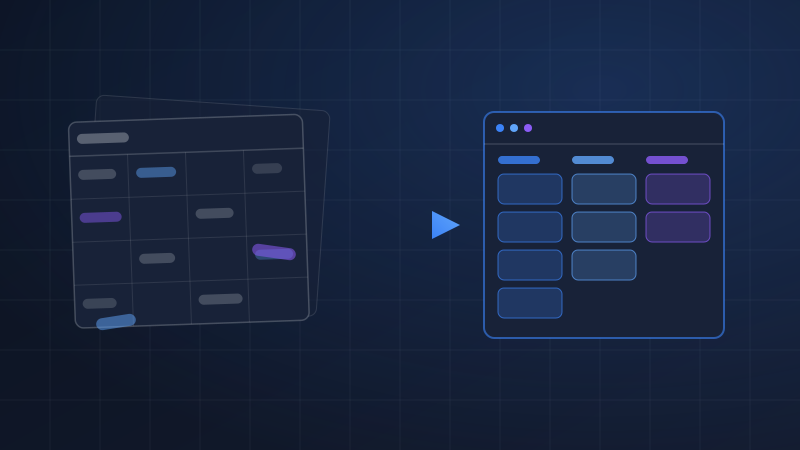
No small business sets out to build a disconnected technology stack. It happens one reasonable decision at a time. You launch on an eCommerce platform because you need to sell online. You add an accounting package because you need to invoice and file taxes. A shipping tool comes next, then an email platform, then an inventory spreadsheet that someone built in an afternoon and that somehow became mission-critical. Each tool was the right choice on its own. The problem is that none of them talk to each other.
The gap between those systems does not stay empty. It gets filled by your staff. Someone retypes orders into the accounting software. Someone copies tracking numbers from the shipping tool into customer emails. Someone reconciles the inventory spreadsheet against what the store says every Monday, and someone exports CSVs every Friday to stitch together a report. Your team has quietly become human middleware, and because the work arrives in five-minute increments rather than as a line item on an invoice, most owners have no idea what it is actually costing them.
Putting a Number on Manual Re-Entry
The direct cost of manual data entry is straightforward to calculate, and doing the math is usually the moment the problem becomes impossible to ignore. The formula is hours per occurrence, multiplied by frequency, multiplied by the fully loaded labor rate of the person doing the work. Loaded rate matters: an employee with a twenty-five dollar hourly wage costs closer to thirty-five dollars per hour once you account for payroll taxes, benefits, and overhead.
Work through a modest example. An operations coordinator spends fifteen minutes re-entering each batch of online orders into accounting, twice a day. That is two and a half hours per week, or roughly one hundred thirty hours per year, on a single handoff. At a thirty-five dollar loaded rate, that one gap between two systems costs about four thousand five hundred dollars annually. Most businesses we audit have four to eight gaps like this. Add the Friday reporting ritual, the tracking-number copying, and the weekly inventory reconciliation, and it is common to find fifteen to twenty-five thousand dollars per year of skilled labor spent moving data that software could move for pennies.
Run this audit honestly before you evaluate any tool. Ask each team member to list every task where they take information out of one system and put it into another. The list is always longer than anyone expects, and it gives you both a baseline for ROI and a prioritized backlog for the integration work itself.
The Error Costs Nobody Puts on a Spreadsheet
Labor is the visible cost. Errors are the expensive one. Every manual handoff is an opportunity for a typo, a skipped row, or a stale number, and each failure mode has a real price attached.
A transposed digit in an address or SKU becomes a wrong shipment: return postage, reshipping, and a customer who may not order again. An inventory spreadsheet that lags the store by a day produces stockouts on items you actually have, and worse, double-sold inventory on items you do not, which forces refunds and apology emails. Invoices that depend on someone remembering to create them go out late, and late invoices get paid late, which quietly stretches your cash conversion cycle. Industry studies consistently put manual data entry error rates in the range of one to four percent. At even one percent, a business processing five hundred orders a month is generating five errors a month, every month, and each one costs somewhere between twenty dollars of staff time and several hundred dollars of lost customer lifetime value.
There is also a cost that never shows up in any ledger: what your team is not doing while they retype data. Hours spent reconciling spreadsheets are hours not spent following up with leads, improving product pages, or talking to customers. The opportunity cost of human middleware usually exceeds the labor cost, it is just harder to see.
When we audit a business's operations, the owner can usually name their software costs to the dollar. Almost none can name the cost of the manual work happening between those systems, and it is nearly always the larger number.
The Spectrum of Fixes: Native, iPaaS, and Custom
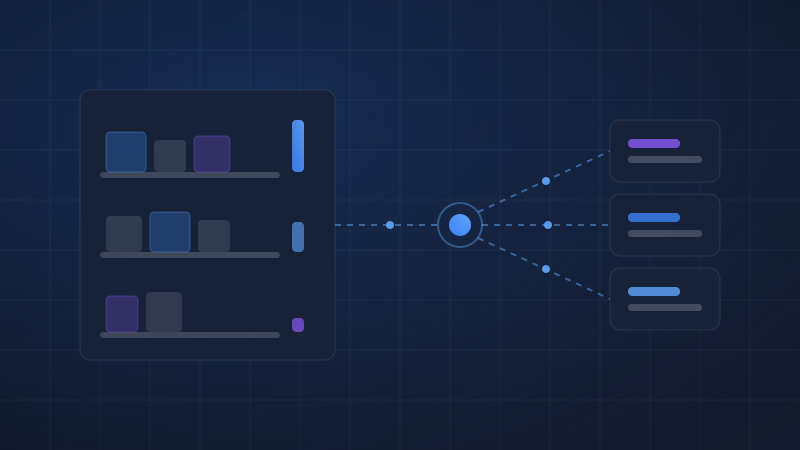
Once you know what the gaps cost, the fixes fall on a spectrum from simple to sophisticated, and the right answer depends on volume, complexity, and how much the data transforms along the way.
Start with native integrations. Most modern platforms ship with first-party connectors: Shopify connects to QuickBooks, most email platforms connect to most eCommerce platforms, and shipping tools like ShipStation pull orders directly from your store. Native integrations are usually free or cheap, maintained by the vendor, and should be your default whenever one exists and does what you need. Their limitation is rigidity. You get the field mappings and timing the vendor chose, and little more.
When native connectors fall short, iPaaS tools, integration platform as a service, fill the middle of the spectrum. Zapier is the most accessible, with the broadest app catalog and a simple trigger-action model. Make handles branching logic, data transformation, and batch processing at a lower cost for complex workflows. Celigo sits at the heavier end, purpose-built for connecting eCommerce and ERP systems like NetSuite with prebuilt, production-grade integration apps. For most small businesses, an iPaaS layer eliminates the majority of manual re-entry for somewhere between thirty and a few hundred dollars per month.
At the far end is custom middleware: purpose-built API integrations that sync your systems directly. Custom work costs more up front, but it carries no per-task fees, handles logic no-code tools cannot express, and processes volume that would make an iPaaS subscription unreasonably expensive. It is the right answer when the economics or the complexity outgrow the no-code layer, which we cover below.
What an Integrated Order Actually Looks Like
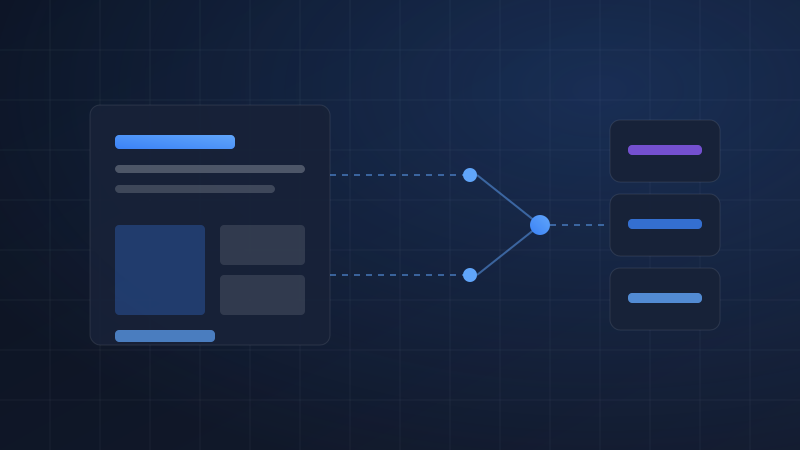
To make this concrete, walk through a single order in a properly integrated small eCommerce operation. A customer places an order on Shopify at 2:14 on a Tuesday afternoon. Within a minute, the order syncs to the accounting system as a sales receipt with the correct line items, tax, and payment method, so the books are current without anyone touching a keyboard. At the same moment, inventory decrements across every channel, so the same unit cannot be sold twice, and if the item crosses its reorder threshold, a purchase order draft is created for review.
The order lands in the shipping tool already rate-shopped against the business's carrier accounts. When the warehouse prints the label, the tracking number writes back to Shopify and to the CRM record, and the customer receives a branded shipping notification without anyone copying a tracking number into an email. If the customer replies with a question, the support inbox shows their full order history because the systems share a single view of the customer.
Nothing in that flow is exotic. Every step uses connections that exist today. The difference between this operation and one where three people spend their mornings on re-entry is not budget or headcount. It is that someone sat down, mapped the flow of an order through the business, and connected the systems deliberately.
Signs You Have Outgrown No-Code Connectors
iPaaS tools are the right starting point for most businesses, but there is a point where they stop being the right tool, and it pays to recognize the signs before they become outages.
The first sign is cost inversion: per-task pricing that made sense at two thousand operations a month becomes a four-figure bill at two hundred thousand. The second is workflow sprawl, when a single business process is spread across a dozen interdependent Zaps or scenarios that only one person understands, and a change to any one of them risks breaking the others. The third is logic that no-code platforms cannot express cleanly: multi-step inventory allocation across warehouses, conditional pricing rules, partial fulfillments and split shipments, or reconciliation that has to be transactional rather than best-effort. The fourth is reliability requirements. No-code tools generally retry failed tasks a few times and then move on. If a dropped record means a missed shipment rather than a delayed notification, you need queuing, error handling, and alerting that only custom middleware provides.
Hitting these limits is not a failure. It usually means the automation worked and the business grew. The mistake is responding by adding more duct tape to the no-code layer instead of graduating the highest-volume, highest-stakes flows to a proper API integration while keeping iPaaS for the long tail of lighter workflows.
Sequencing the Project Without Disrupting Operations
The most common fear we hear is that an integration project will break the fragile processes that currently keep the business running. It is a reasonable fear, and the answer is sequencing, not bravery.
Start by mapping the data flows before touching any software. For every type of record, orders, customers, products, inventory counts, invoices, document where it originates, every system it needs to reach, and which system is the source of truth when two disagree. This last question is the one that sinks integration projects. In our experience, integrations fail because of unclear data ownership, not because of technology. If accounting and the store both think they own the customer record, no connector in the world will save you. This mapping exercise is exactly where a consultancy earns its fee: an outside team can walk the flows with each department, surface the conflicts, and settle ownership on paper before anything is built.
Then integrate one flow at a time, starting with the highest cost-per-week gap from your audit. Run the new integration in parallel with the manual process for a week or two, reconciling the results daily, before you retire the manual step. Keep a rollback path: if the sync misbehaves, the team returns to the old process while the issue is fixed, and the business never stops shipping orders. Document each connection as it goes live, what it moves, when it runs, and who to call when it fails, because every integration eventually fails, and the difference between a five-minute fix and a lost weekend is documentation.
Disconnected systems do not announce their cost. It leaks out in fifteen-minute increments, in error rates, in late invoices, and in the growing feeling that your team is busy all day without moving the business forward. The businesses that fix it do not necessarily spend more on software than their competitors. They simply stopped paying skilled people to be the glue between systems that were always capable of talking to each other.
SJ
Shadner Joseph
Co-Founder at System Strats
Shadner helps businesses connect the systems they already own. With hands-on experience across CRM and ERP implementations, API integrations, and workflow automation, he focuses on building operations that run reliably without manual re-entry holding them together.