WordPress: Migration

A careless move can cost you pages, links and the rankings you worked to earn.

Moving Without Losing Ground

You’ve decided to leave your current platform, but the content and rankings on it took real work to build. A move has to carry all of that across, and every old link has to keep working.

We manage the full migration: content transfer, URL redirect mapping, design recreation and thorough testing after the move. A redirect sends anyone using an old address to the right new page, which protects both your visitors and your search traffic.
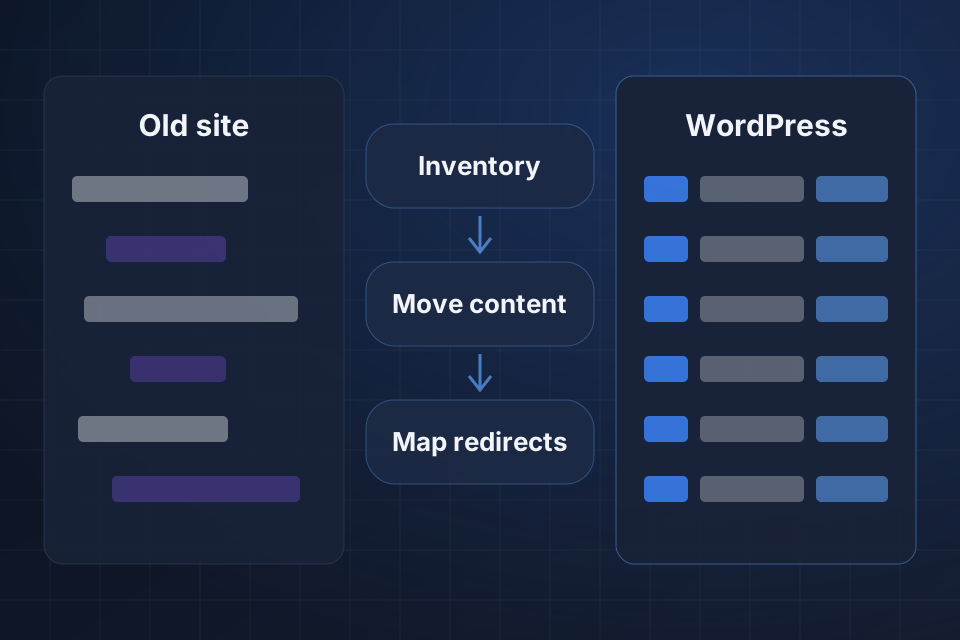
Diagram of a website moving to WordPress through a content inventory, a content move and mapped redirects.

What Comes With You

All your content moved across with its formatting intact

301 redirect maps that protect your search rankings

Your design recreated or improved on WordPress

Thorough testing and QA after the move

How The Move Happens

1

Inventory Everything

We list your pages, posts, media and URLs, and note what your current platform makes hard to export.

2

Map Redirects

Each old URL gets matched to its new home, and we keep URL structures the same where possible.

3

Move And Rebuild

Content, meta titles and descriptions transfer across while we recreate or improve the design on WordPress.

4

Test And Monitor

We test the site thoroughly after the move and watch your rankings closely once it launches.

Why Choose System Strats

We’ve built and optimized WordPress sites for businesses of all sizes. Knowing how those sites are structured helps us plan where your content, URLs and features should land before anything moves.

Frequently Asked Questions

We migrate from Squarespace, Wix, Joomla, Drupal, HubSpot CMS, custom platforms and older WordPress installations. Each platform has its own export challenges, and we’ve handled them many times.

Not if the migration is handled correctly. We build full redirect maps, keep URL structures where possible, transfer all meta titles and descriptions, and monitor rankings closely after launch.

Typical migrations take 2 to 4 weeks for content-focused sites. Complex sites with ecommerce, membership or custom features may take 4 to 8 weeks.

Yes. We migrate posts, pages, custom post types, categories, tags, comments and media files. Publication dates and author credits stay in place.

Ready to Get Started?

Tell us about your project and we'll get back to you within 24 hours.