WooCommerce: Theme Customization & Design

Shoppers judge your store by its theme, from the first page through checkout.

When the Theme Falls Short

Your store works, but it looks off-brand, feels awkward on a phone or loses people at checkout. Your theme controls all of that.

We customize WooCommerce themes to match your brand, improve usability and lift conversions. We work with premium themes and with custom theme development, depending on your needs and budget.
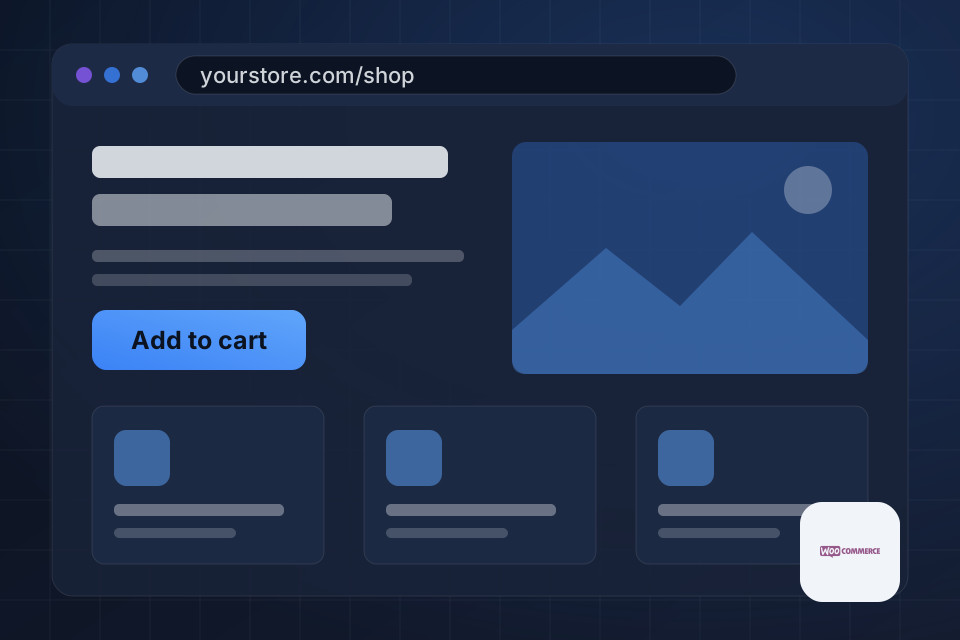
Illustration of a customized WooCommerce theme in a browser, showing a branded shop page with an Add to cart button.

What Your Theme Gains

Custom design that fits your brand identity

Mobile-optimized layouts built to convert on all devices

Customizations that keep pages loading fast

A better checkout flow to reduce cart abandonment

Reworking Your Store Design

1

Pick the route

We weigh a premium theme against a custom build based on your goals, budget and design requirements.

2

Customize safely

We change the look and behavior through child themes, custom CSS and template overrides, leaving core files alone.

3

Test on devices

We test every customization across devices, focusing on touch-friendly navigation, mobile loading speed and small-screen checkout.

4

Protect updates

We test major updates in staging before applying them, so your live store and customizations stay intact.

Why Choose System Strats

We work across the full ecommerce ecosystem, so we understand how WooCommerce fits alongside tools like Shopify, BigCommerce and dedicated ERPs. That perspective helps us design stores that look right and still integrate cleanly with the rest of your business.

Frequently Asked Questions

A premium theme suits most stores because it costs less and gets you running faster. Custom themes make sense when you have very specific design needs or functionality no existing theme supports. We help you decide based on goals and budget.

Yes. We regularly modify existing themes through child themes (a safe layer over the original), custom CSS and template overrides. That changes the look and behavior while keeping your ability to update the parent theme.

We test every customization across devices. Our focus is touch-friendly navigation, fast loading on mobile networks and checkout flows that work well on small screens.

They shouldn’t. We use child themes and hooks rather than editing core files, so updates to WooCommerce or the parent theme won’t overwrite our work. We also test major updates in staging before applying them to your live store.

Ready to Get Started?

Tell us about your project and we'll get back to you within 24 hours.