Supabase: Authentication & Security

A login screen proves who someone is. Your access rules decide what they can see once they’re in.

Who Can See What

Your app has real users and real data now, and you need to be sure one customer can’t see another’s records. Login options, roles and data rules all have to agree with each other.

Supabase Auth covers email and password, social logins, magic links and single sign-on. We set up the login flows, write the access rules, and add Row Level Security, which checks access at the database, so your data is protected at every level.
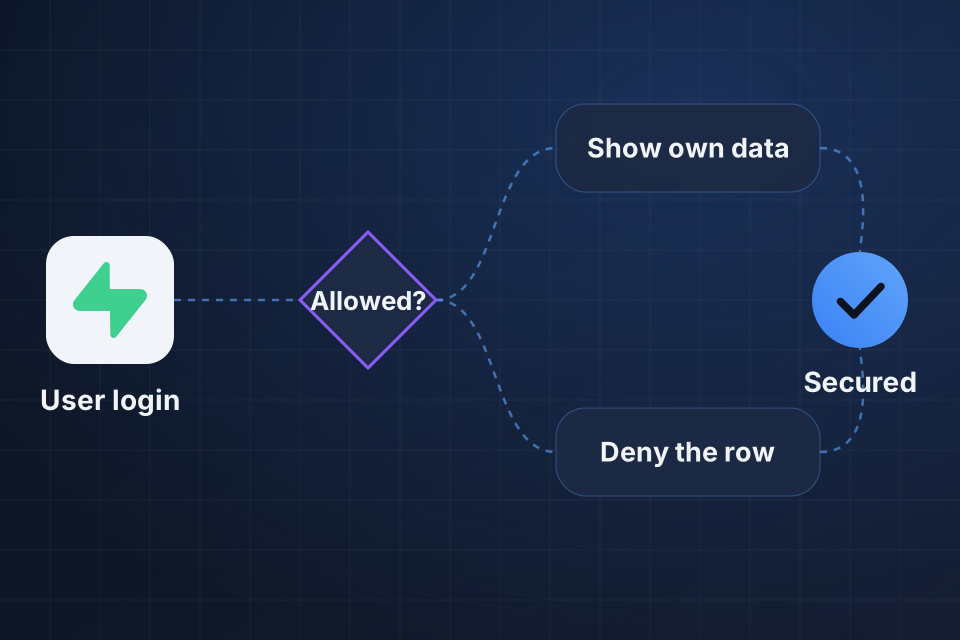
Diagram of a Supabase login checked against Row Level Security, which shows the user their own data or denies the row.

What We Lock Down

Login options for email, social accounts and single sign-on

Row Level Security rules that control access to each row

Custom claims and roles that match how your team works

Session and token settings for safe sign-ins

How We Secure Access

1

Choose Logins

We pick the sign-in methods that suit your users, from email to social logins and magic links.

2

Define Roles

Admin, editor, viewer or custom roles get defined, along with what each one can do.

3

Write Policies

Row Level Security policies go on your tables, so the database blocks anything a user shouldn’t reach.

4

Test Sessions

We set session and token rules, then check access as each role to confirm the limits hold.

Why Choose System Strats

We’ve architected Supabase backends for web and mobile applications. Security is part of that design from the start, so we set your access rules alongside the database rather than after it.

Frequently Asked Questions

Email and password, magic links, phone or SMS codes, and social providers like Google, GitHub and Apple. Single sign-on is available too, depending on your plan. We set up the methods that suit your users.

Row Level Security (RLS) lets you set rules in the database for which rows each user can see, create, update or delete. Even if your API has a bug, the database still blocks unauthorized access.

Yes. We build role systems using Supabase’s custom claims, database roles and RLS policies, with admin, editor, viewer and custom roles.

Supabase’s auth works natively with React Native, Flutter, iOS and Android. We set up deep linking, token refresh and secure storage for your mobile sign-in flows.

Ready to Get Started?

Tell us about your project and we'll get back to you within 24 hours.