n8n: Migration

Your automations keep running while we rebuild them, and nothing switches over until the new version proves itself.

Leaving Zapier or Make

Your automation bill grows with every task, or your custom scripts have hit their limits. Moving to n8n can cut costs and add flexibility, but nobody wants to break working automations to get there.

We manage the whole migration. That means analyzing what you have, recreating it in n8n with improvements, and confirming everything works before cutting over.
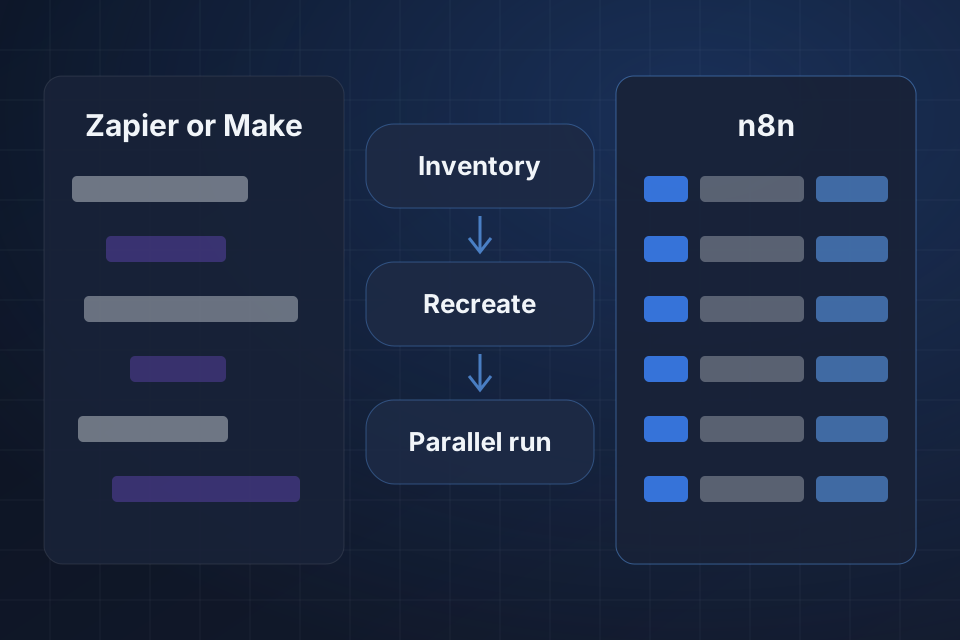
Diagram of automations moving from Zapier or Make to n8n through inventory, recreated workflows and a parallel run.

What the Move Includes

A full audit of your existing automations

Workflows rebuilt to make the most of n8n

Parallel testing before cutover

A cost analysis showing what the move returns

Moving Your Automations Safely

1

Inventory Automations

We analyze each automation for its logic and platform-specific dependencies, then produce a detailed cost comparison.

2

Recreate in n8n

Each one gets rebuilt in n8n with matching behavior, plus better error handling where the old platform fell short.

3

Run in Parallel

Old and new versions run side by side, so we can check results before anything changes.

4

Cut Over

Once the n8n versions prove correct, we cut over, train your team and monitor the new workflows closely.

Why Choose System Strats

We’ve built n8n workflows for businesses at various stages, and we understand automation design and change management. Both matter in a migration, where your team has to trust the new setup as much as the old one.

Frequently Asked Questions

It depends on your volume. Businesses with high-volume automations often save a lot on platform costs by moving to self-hosted n8n. We provide a detailed cost comparison as part of the migration assessment.

Yes. We replicate the logic and behavior you have today. Often we can improve them during the move, adding error handling, performance or functionality the old platform couldn’t offer.

It depends on the number and complexity of your automations. A typical migration of 20 to 50 workflows takes 4 to 8 weeks, including parallel testing.

We can usually replace them. We check each automation for platform-specific dependencies, then find an n8n equivalent or build a custom solution. Very few automations can’t be replicated.

Ready to Get Started?

Tell us about your project and we'll get back to you within 24 hours.