Microsoft Azure: Security & Compliance

The security tools are already in Azure. Most of the work is setting them up properly.

Tools Alone Don’t Protect You

You’re storing sensitive data in Azure, and you aren’t sure who has access or whether your settings would pass a compliance review. You may only find out when an auditor or a customer asks.

We put Azure security controls, identity management and compliance baselines in place. That protects your data, meets your regulatory requirements and limits access to the people who need it.
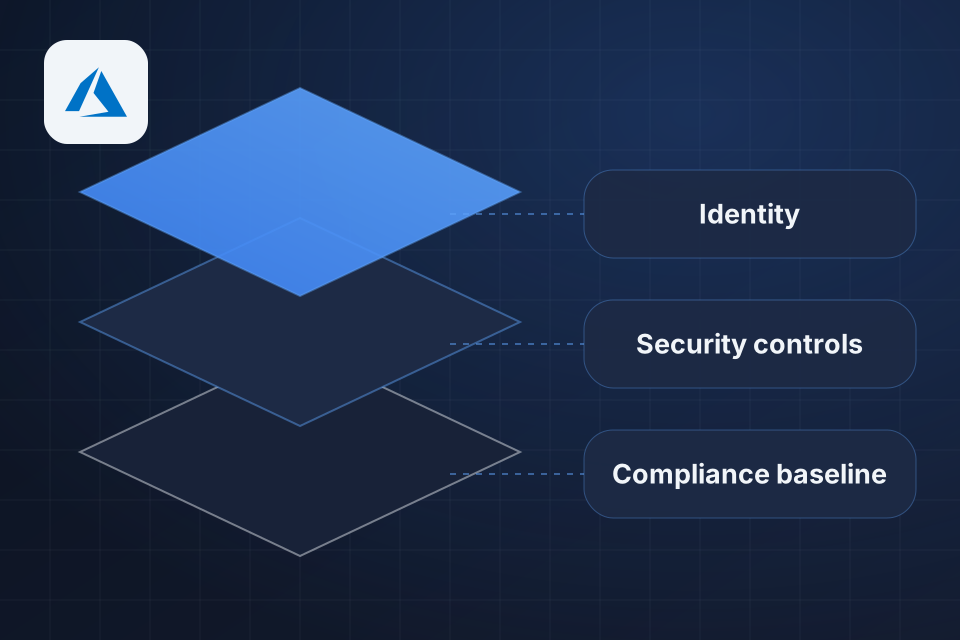
Diagram of Microsoft Azure security in layers: identity, security controls and a compliance baseline.

What Gets Locked Down

Entra ID, formerly Azure AD, set up properly

Microsoft Defender for Cloud set up and running

Network security rules and firewall policies

Compliance baselines for HIPAA, PCI and SOC 2

How We Secure Azure

1

Review your risk

We check how your setup is configured against your risk and your compliance needs.

2

Limit access

Login rules, MFA, admin controls and role assignments limit each person to what they need.

3

Harden the setup

Firewall policies, network rules and compliance baselines go in to meet the controls you must follow.

4

Monitor and respond

Defender for Cloud, Azure Monitor and Sentinel watch for trouble, backed by a response plan people will follow.

Why Choose System Strats

We run Azure alongside Microsoft 365, Entra ID and the Power Platform every day, which is the environment most of our clients actually work in. Identity and access run through all of those tools, so we design your security with the whole environment in mind.

Frequently Asked Questions

Yes, if it’s configured properly. The platform is secure, and what matters is how it’s set up for your specific risk profile.

Entra ID, formerly Azure AD, is the base. We set up conditional access, MFA, admin controls and role assignments, so people can reach only what they need.

Yes. We work with businesses that must meet HIPAA, PCI DSS, SOC 2 and similar frameworks, and we set up Azure to meet those controls.

Through Defender for Cloud, Azure Monitor and Sentinel where appropriate. Detection is only half the job. The other half is having a response plan that people actually carry out.

Ready to Get Started?

Tell us about your project and we'll get back to you within 24 hours.