Google Search Console: Core Web Vitals

Google’s report flags the problem. Finding the image, script or server behind it takes more digging.

When the Report Turns Red

You open Search Console and find pages marked poor, even though the site seems fine to you. This report is where most teams first see a performance problem.

We read the report alongside field data, meaning speed measured from real Chrome visitors, and lab tests. Then we identify the specific issues Google is flagging and fix them, so the report turns green and stays green.
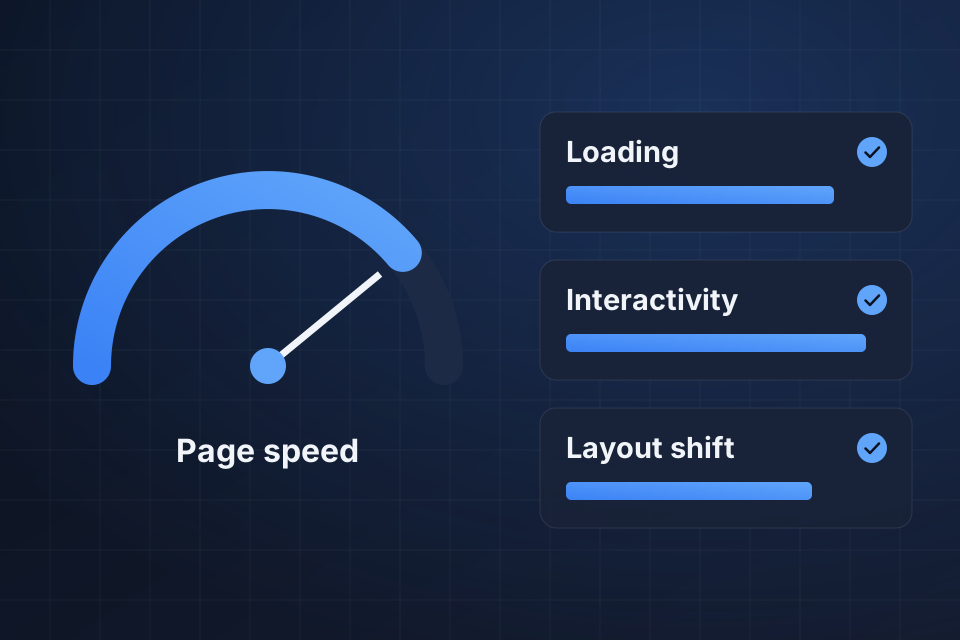
Diagram of a page speed gauge beside Google Search Console Core Web Vitals checks for loading, interactivity and layout shift.

Speed and Mobile Fixes

A clear reading of your Core Web Vitals, with fixes ranked by priority

Mobile usability problems found and resolved

Fixes lined up with field data from the Chrome UX Report

Ongoing monitoring that catches slowdowns early

From Red to Green

1

Read the Report

We go through the Core Web Vitals report and note which pages fail and which measure each one fails on.

2

Find the Cause

We compare those pages against field data and lab tests to find the image, script or hosting issue behind each failure.

3

Fix in Order

We fix the issues that matter most first, along with any mobile usability errors on the same pages.

4

Verify and Watch

We confirm each fix in Lighthouse, then monitor the report as new field data arrives so regressions get caught early.

Why Choose System Strats

We read this data closely and tell you which speed fixes will move rankings and which are only cleanup. If the report points to something bigger, such as complex indexing problems or a manual action, we have seen the patterns before and know how to work through them efficiently.

Frequently Asked Questions

It has a smaller scope, though the two overlap. Here we make sure what Google sees lines up with what real users experience, and we fix the specific issues flagged in the report. A full performance engagement goes wider.

Search Console works from about a month of field data, so a fix takes about that long to show in the report. Lab tools like Lighthouse update right away, so we verify fixes there first.

They are problems like text too small to read, no viewport set, or buttons packed too close together. Google retired its Mobile Usability report in December 2023, so we check for them with Lighthouse. Most come from missing or broken responsive design, the rules that fit a page to small screens.

Yes. The underlying fixes stay the same on every platform, though the way we apply them varies. We work across Shopify, WordPress, BigCommerce, custom sites and more.

Ready to Get Started?

Tell us about your project and we'll get back to you within 24 hours.