Firebase: Setup & Configuration

Get the rules, sign-in and billing alerts right before your developers write a line of code.

Set Up Before You Build

You’re about to start building on Firebase, and it’s easy to click through setup and move on. Decisions made here shape how secure your app is and how well it can grow.

We handle the full setup: project creation, security rules, sign-in providers, hosting and billing alerts. Your foundation is solid before development begins.
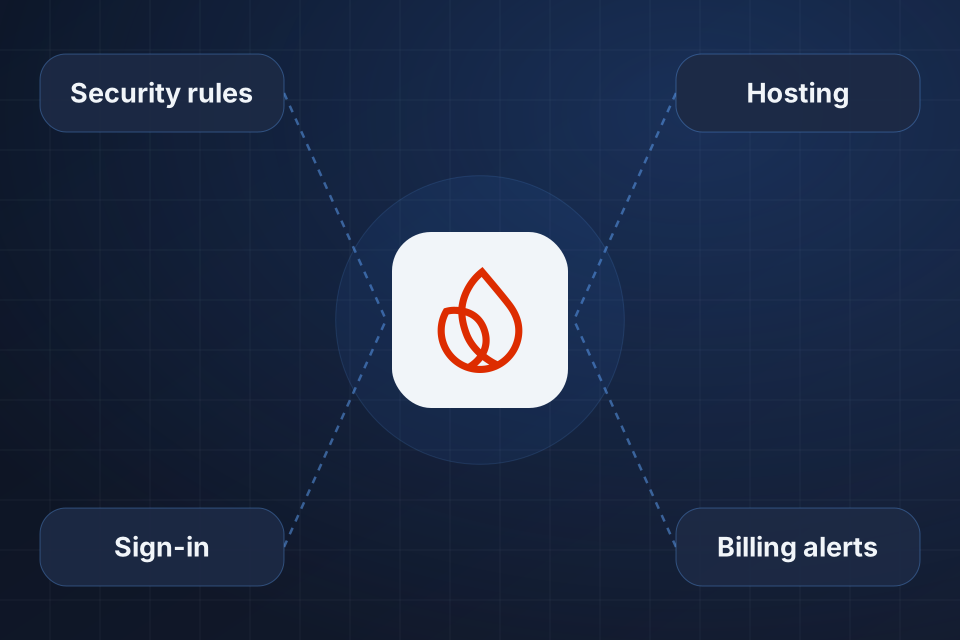
Diagram of a new Firebase project at the center, connected to security rules, sign-in, hosting and billing alerts.

What We Configure

Projects set up with clear organization and billing

Security rules for Firestore and Realtime Database

Sign-in providers set up and customized

Hosting with your custom domain

Setting Up Firebase

1

Choose the Database

We help you pick Firestore or Realtime Database based on how your app will use data.

2

Create the Project

We set up the project, billing and alerts, so costs stay visible from day one.

3

Write Security Rules

We write rules that check data structure, require sign-in and control access by role.

4

Connect Sign-In

We set up sign-in providers, hosting and your custom domain, then confirm each one works.

Why Choose System Strats

We’ve built Firebase solutions for applications of various scales. We know how to plan for scale, so your project starts with the design and security rules that growth depends on.

Frequently Asked Questions

Firebase suits real-time data sync, rapid prototyping, mobile-first apps and serverless setups. A traditional backend is better for complex relational data, heavy server-side processing and SQL-based reporting.

We write full security rules for Firestore and Realtime Database. They check data structure, require sign-in and control access by role, so your data is protected at the database level.

Yes. Firebase runs on Google Cloud and scales automatically. The key is proper database design and security rules from the start, which is exactly what we set up.

Firestore is the recommended choice for most apps, with better querying, offline support and scaling. Realtime Database suits specific uses like presence systems and very low-latency sync. We help you choose.

Ready to Get Started?

Tell us about your project and we'll get back to you within 24 hours.