Akeneo: Data Model Configuration

The structure you choose early shapes how easy your product data is to manage later.

Structure That Fits Your Catalog

Your team scrolls past fields that don’t apply to the product in front of them. Variants are hard to manage, and exports need fixing before they go out. These problems usually trace back to how the catalog was set up.

Akeneo’s data model is the set of families, attributes, categories and attribute groups that organize your product data. We design it to match your catalog and support your team’s workflow. That structure also makes for clean distribution to every sales channel.
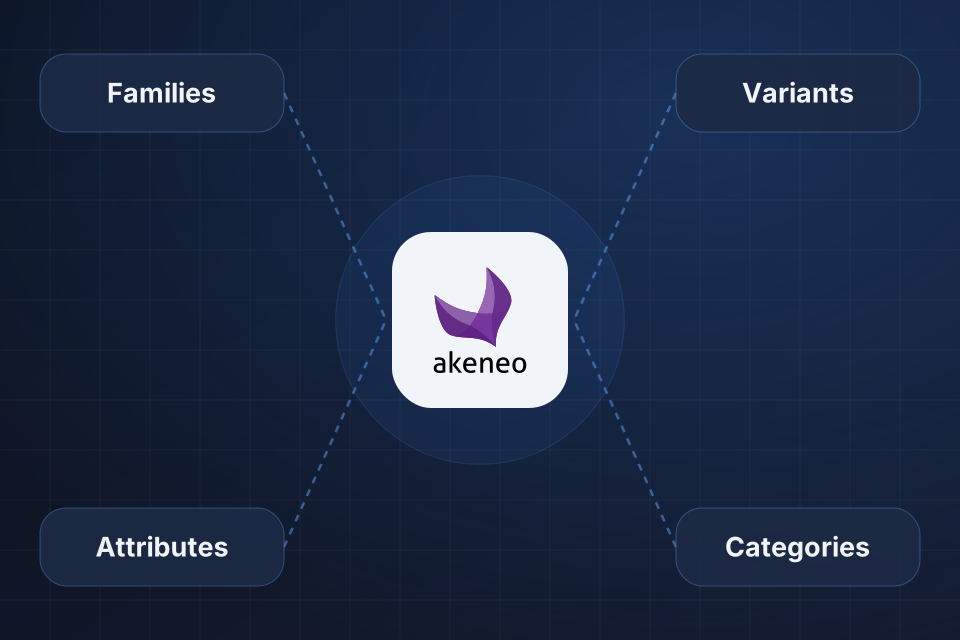
Diagram of Akeneo at the center of a data model, connected to product families, attributes, variants and categories.

What The Model Gives You

Product families with the right attributes for each product type

Attribute groups organized for faster data entry

Category trees aligned with your channels and site navigation

Variant setup for products with options like size or color

How We Design The Model

1

Study The Catalog

We go through your actual products to see how they group and which details each group needs.

2

Design Families

Each product group gets a family, with attributes such as size and color or voltage and wattage.

3

Set Up Variants

We configure variant axes and decide which attributes are shared and which change per variant.

4

Organize Categories

Category trees get built for each channel, along with completeness rules that show which products are ready.

Why Choose System Strats

We’ve implemented Akeneo for brands with complex product catalogs. We understand PIM strategy and data governance, and that shapes a model your team can rely on as the source of truth for your products.

Frequently Asked Questions

Families define which attributes apply to a group of products. A T-shirt family might have size, color and material attributes, while an electronics family has voltage, wattage and certification. We design families based on your actual catalog.

We use Akeneo’s product models, which support variants at one or two levels. We set up variant axes, shared and variant-specific attributes, and family variants. That lets you manage items like clothing with size and color options.

Yes. Akeneo supports multiple category trees, and we configure them by channel. For example, your website may organize products by use case while your marketplace feed organizes them by product type.

We configure Akeneo’s completeness rules, validation constraints and quality scoring. Your team can then see at a glance which products are ready for each channel and which need more data.

Ready to Get Started?

Tell us about your project and we'll get back to you within 24 hours.